Build a website with the Enonic Site Framework
Contents
Learn the basic principles of pages, components, and rendering with the Enonic Site Framework.
| Enonic also support rendering with other frameworks. |
During this exercise you will:
-
create an Enonic app
-
install and use Content Studio
-
get familiar with page components
-
Try out page templates
-
Use static assets
-
and then some…
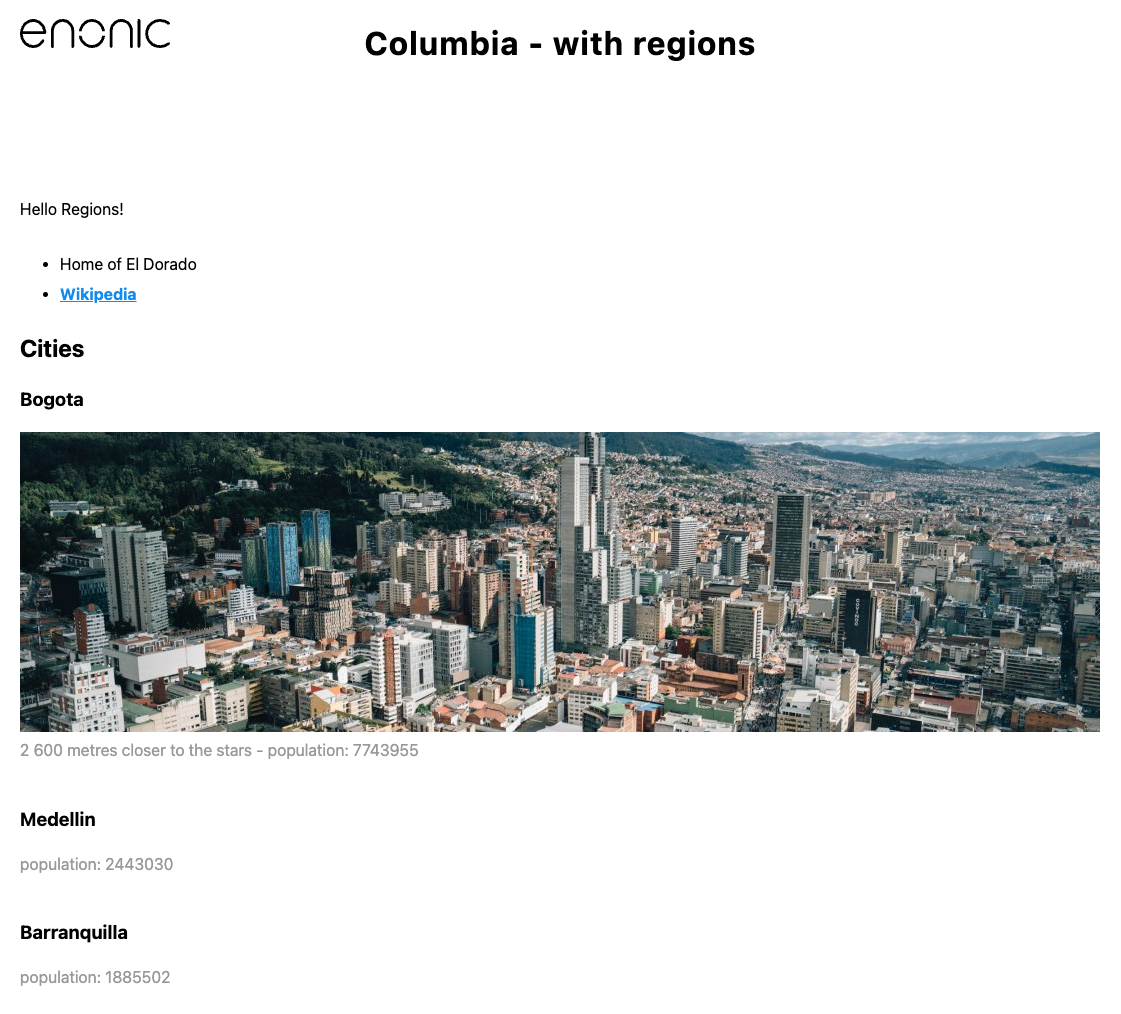
When you are done, a country page on your site will look something like this:
Prerequisites
No prior Enonic experience is required. Basic familiarity with HTML and JavaScript or TypeScript is helpful.
To follow this tutorial you will need:
-
A terminal
-
Your favorite text or code editor
-
Node.js with
npmif you want to install the Enonic CLI vianpm(other installers are also available)
You will install the Enonic CLI in the first chapter.
Tested versions
This version of the tutorial was produced and tested with the following stack:
| Component | Version |
|---|---|
|
Enonic XP |
7 |
|
Content Studio |
5 |
Start the show by setting up the developer environment.