Deploy your app to a live server
Contents
It’s time for the final act - sign up for a free account and deploy your app on a live server.
| We are currently working to add support for XP8 to the Enonic Cloud. The steps will not work until we have completed this work. We will update this guide as soon as the support is available. |
Public API
So far, you’ve been playing with the API via Content Studio. If you want to access the API endpoint directly on your sandbox, it’s available at:
\http://localhost:8080/api/com.enonic.app.guillotine:graphql
The same endpoint serves all projects and branches. Outside Content Studio, you select them in the query itself, using the project and branch arguments:
{
  guillotine(project: "intro", branch: "master") {
    queryDsl(query: {
      term: {
        field: "type",
        value: {
          string: "com.example.myapp:person"
        }
      }
    }, first: 3, sort: {
      field: "displayName",
      direction: ASC
    }) {
      displayName
      _path
    }
  }
}
Use master for published items, and draft for work in progress. Content permissions still apply, so accessing the draft branch normally requires authentication.
curl -X POST http://localhost:8080/api/com.enonic.app.guillotine:graphql \
  -H "Content-Type: application/json" \
  -d '{"query": "{ guillotine(project: \"intro\", branch: \"master\") { queryDsl(query: {term: {field: \"type\", value: {string: \"com.example.myapp:person\"}}}, first: 3, sort: {field: \"displayName\", direction: ASC}) { displayName _path } } }"}'
In the following steps, you will deploy the API to a live URL. Remember, the GraphQL API is accessed via HTTP POST method, as such - visiting it in a regular browser will not work.
| The Chrome extension Altair lets you browse any GraphQL API simply by pointing it to the API URL. |
Sign up
To complete this step, you’ll need Enonic XP running on a server. To get the job done, we’ll use Enonic’s free hosting tier:
|
If you are looking for other hosting options, Enonic XP is open source, and can be deployed pretty much anywhere. |
-
Visit our sign up to claim your forever-free account.
-
After signing up, complete the verification of your e-mail before you can move to the next step.
-
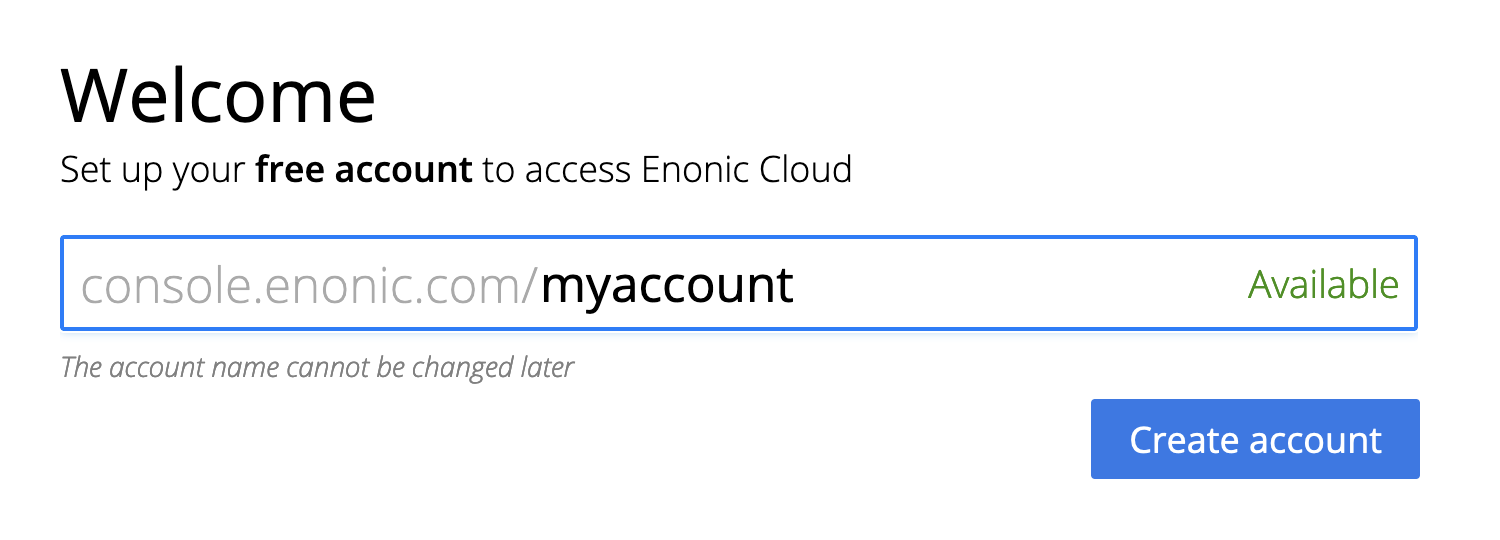
Log in to the Enonic Console and choose your account name.
Create solution
-
then create a new solution from the menu:
Solutions → Essentials → Create. Complete the solution wizard steps using your personal preferences.
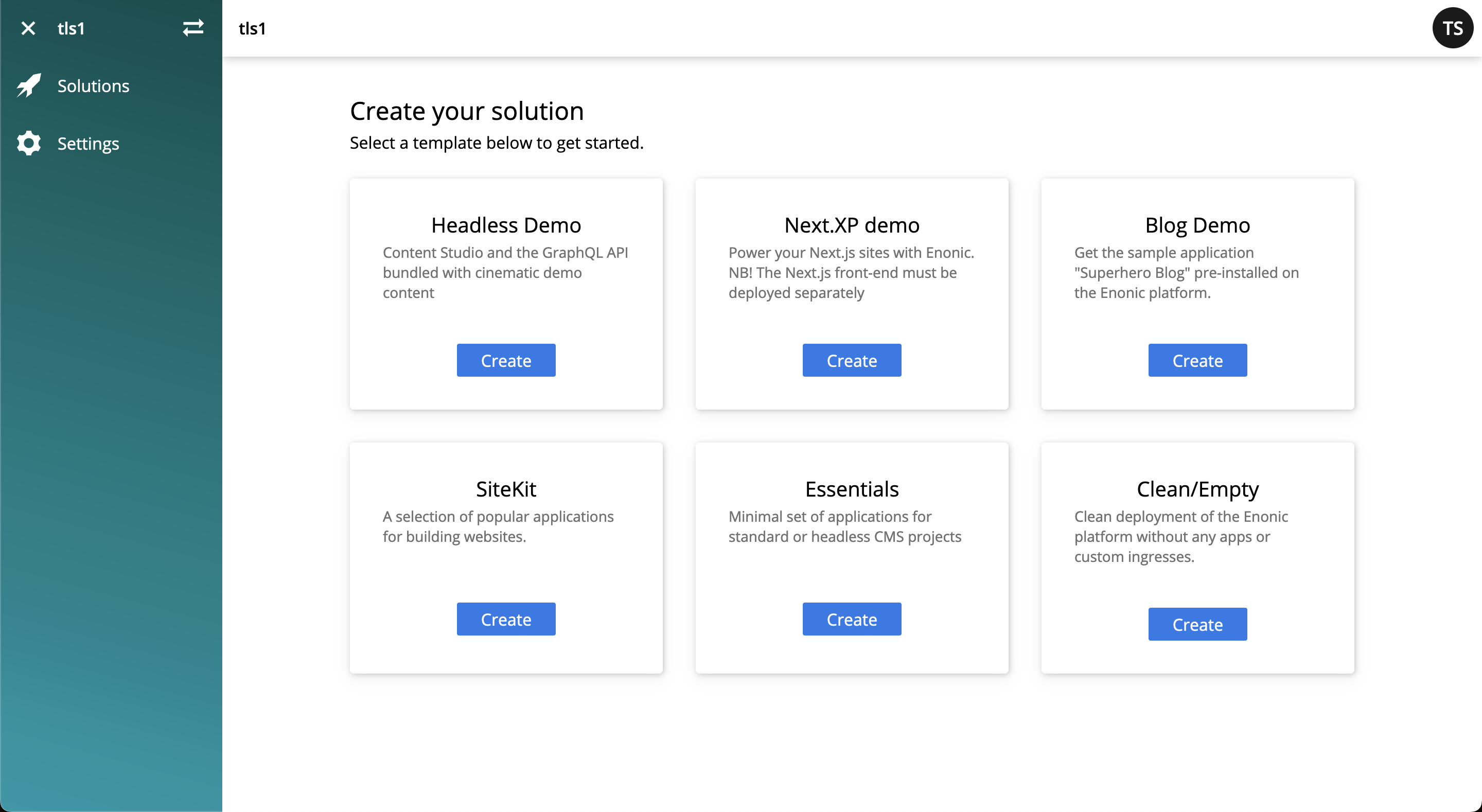
We will provision an Enonic XP environment, similar to your local sandbox, but this time on a real server.
Deploy application
-
Once the solution has started (verify by logging in to the XP admin), you need to authorize the CLI. Run this command:
enonic cloud login
-
After successful authentication install your app using this command:
enonic cloud app install
You must execute this command from your app folder. Alternatively, upload the app from the Console directly: Solutions → <Your solution> → Applications → Install. The app file can be found in your project folder i.e.build/libs/myapp.jar.
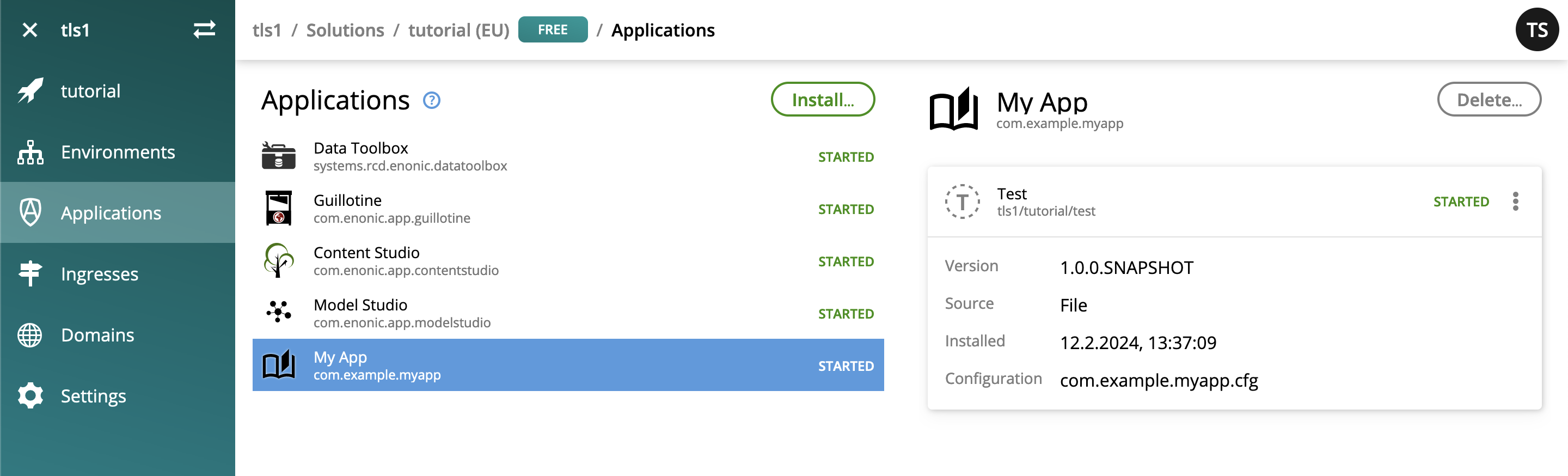
Once installed, the app should be listed in the Cloud console:
Expose the API
Finally, you may also want to expose the API:
-
create an ingress in the Enonic Cloud console:
Solutions → <Your solution> → Ingresses → Create. Give it a suitable name i.e.Intro API, and use the following values:- Environment
-
Use the default value
- Target
-
/api - Domain
-
Use the default value
- Path
-
/api - ID provider
-
leave empty
-
Once the ingress is created, Select it in the list. This will reveal a link to your API on the right hand side.
-
Append
/com.enonic.app.guillotine:graphqlto the URL, and use it as the endpoint in your GraphQL client. Select the project and branch with theprojectandbrancharguments, just like on your sandbox.The ingress exposes all APIs under /api, including the media APIs. Image paths returned by Guillotine can be appended directly to the Ingress URL.
Dive deeper
🎉 Awesome! You made it to the end.
In the process, you created an Enonic XP sandbox, built and customized your own app, ran GraphQL queries, got to know the Enonic CLI and our SaaS service.
Visit the CMS reference documentation to learn about content modeling and the CMS features.
For more details on Enonic app development and platform extensions, visit the Enonic Development Kit documentation.
For hands on tutorials, visit the Learn section.
Bon voyage!