Demo
Contents
This page shows how to run the finished site without following the tutorial. The tutorial repository holds the result of all nine chapters: the code, and the content as it looks at the end.
What the demo contains
The demo app is the app you build in the tutorial, with one addition. The first time it starts, it creates the Site Framework content project, imports the complete content, including the page setup and the page template, and publishes the site. The import code is in src/main/resources/main.ts, and the content in src/main/resources/import/.
| The demo uses its own sandbox, so it does not interfere with the one you use for the tutorial. Both sandboxes use port 8080, so only one of them can run at a time. |
Task: Run the demo
-
Create a sandbox - If the tutorial sandbox is running, stop it first. Then run:
enonic sandbox create demo_siteframework -t essentials -v 8.1.3 -f -
Create the app - In a new terminal, from the folder where you keep your projects, run:
enonic project create com.example.demo.siteframework -r tutorial-site-framework -s demo_siteframework -d demo-siteframework-enonic -f -
Build and deploy the app - Run:
cd demo-siteframework-enonic enonic dev -
Verify the import - When the app has started, the sandbox log contains these lines:
Project "siteframework" created Imported 20 content items into project "siteframework" Published the "Hello World" site -
Open the site - Open http://localhost:8080/site/siteframework/master/hello-world/norway in your browser:
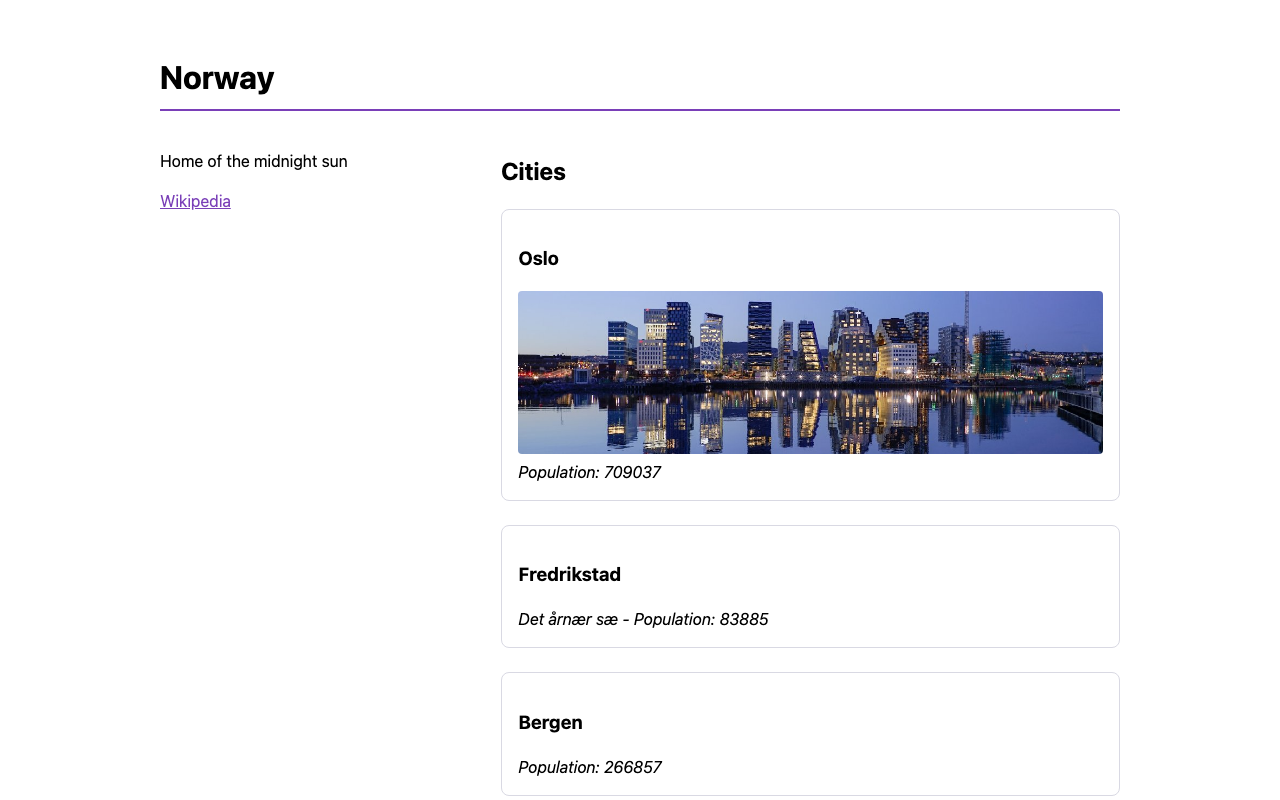
To see how the pages are put together, open http://localhost:8080, click Log In as Guest, and open Content Studio.
Compare with your own app
If you have followed the tutorial, your app and the demo app contain the same content types, components, and assets. The demo app differs in two places: main.ts and the import/ folder, which exist to set up the content, and the extra libraries they need in build.gradle.