Running the demo
Contents
On this page you will run the finished application from this tutorial, without going through the chapters. It takes a few minutes, and gives you a working React application that reads its content from a local Enonic instance.
| Want to learn how it works? Start with the first chapter of the tutorial instead. |
To run the demo you will need the Enonic CLI and Git, in addition to the prerequisites of the tutorial.
Task: Start Enonic
The application reads its content from a sandbox, which is a local instance of Enonic XP.
-
Create a sandbox - Run this command in your terminal. It works from any folder:
enonic sandbox create tutorial_reactspa -t intro -v 8.1.3 -fThe
introtemplate installs Content Studio, the Guillotine GraphQL API and the Intro app with its sample content. The-foption accepts the default values for the remaining options, and starts the sandbox.If you created the sandbox in the first chapter of the tutorial, start it with enonic sandbox start tutorial_reactspainstead. -
Verify that the sandbox is running - Open http://localhost:8080. The Enonic XP welcome page appears.
Leave the sandbox running in this terminal window. To stop it, press ctrl-c.
Task: Run the application
-
Get the code - Open a new terminal window in the folder where you keep your tutorial projects, and run this command:
git clone --branch master https://github.com/enonic/tutorial-reactspa.gitThis creates a folder called
tutorial-reactspa/, holding the application built in this version of the tutorial. -
Install the dependencies - Enter the new folder and install:
cd tutorial-reactspa npm install -
Start the application - Run this command from the
tutorial-reactspafolder:npm run devThe application needs no configuration. During development, it forwards all requests starting with
/apito the sandbox onhttp://localhost:8080. -
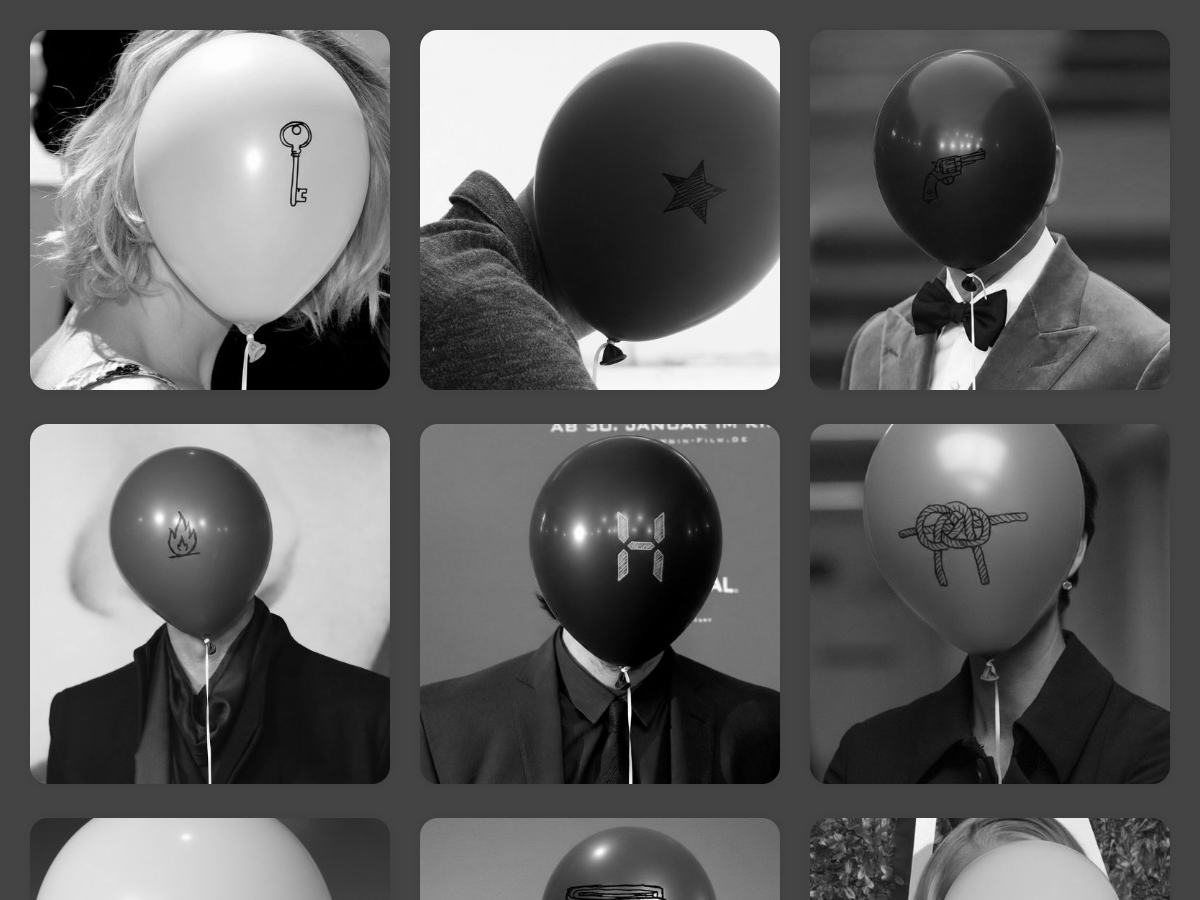
Verify the result - Open http://localhost:5173. It shows a grid of persons:
-
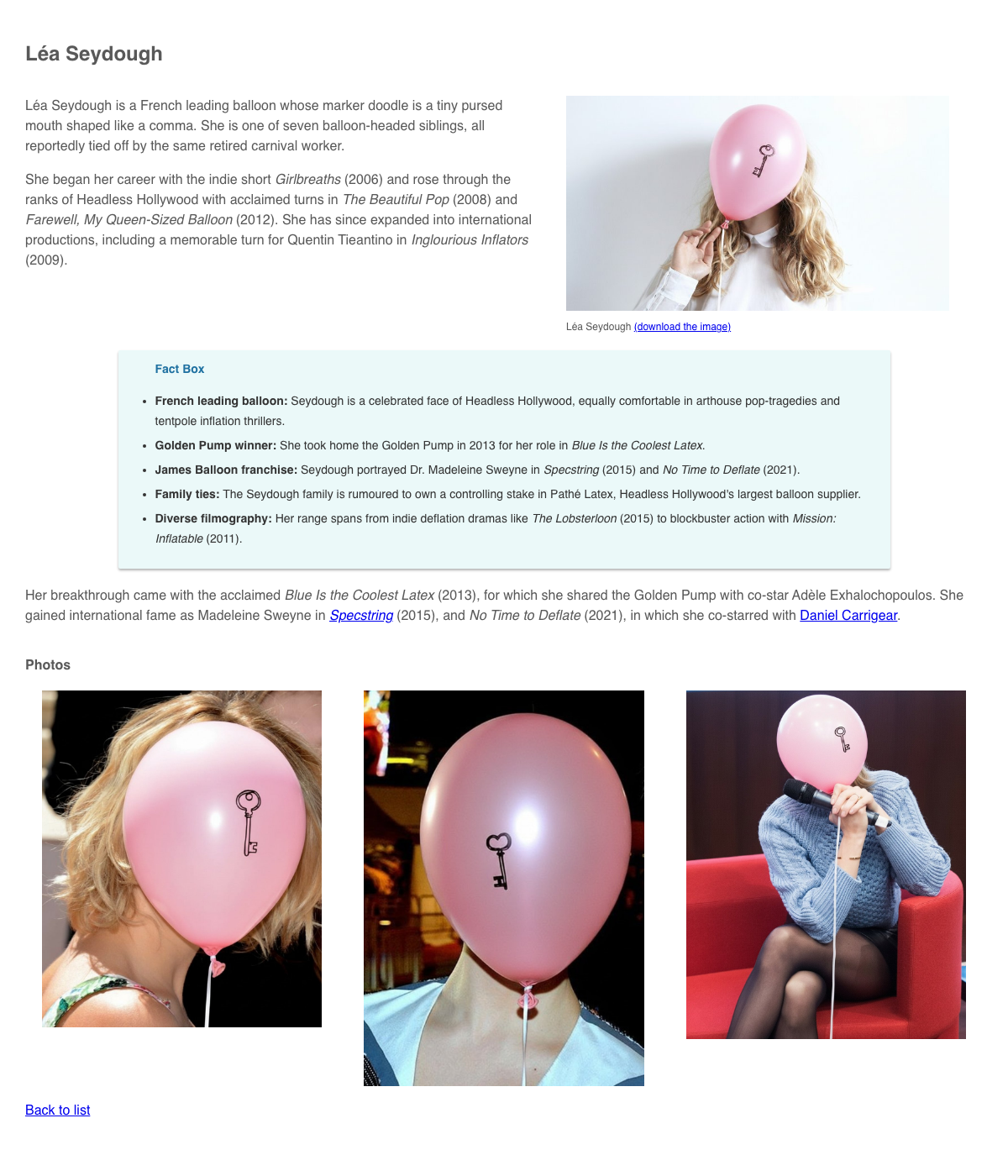
Open a person - Click a person in the grid, or go directly to Léa Seydough. Her page shows a biography with an image, links and a fact box:
To stop the application, press ctrl-c in its terminal window.
How it works
The application runs entirely in the browser. It fetches published content from Guillotine, Enonic’s GraphQL API, and renders the rich text with the @enonic/react-components library.
The code is in the src/ folder:
-
queries/ -
The GraphQL queries for the person list and for a single person
-
api.ts -
Sends the queries to Guillotine, and builds the URLs of images
-
components/ -
The React components, including the renderers for links, images and macros in rich text
To change what the application shows, edit the persons in Content Studio and publish your changes. Open Content Studio from the XP menu, after clicking Log In as Guest on the welcome page.
Each part of the application is explained in the tutorial, starting with setting up Enonic.