The Rich text component
Contents
In this chapter we’ll look at how you can take control over the Enonic’s rich text component.
Background
The RichText component is able to output HTML, and comes with basic handling of links and images.
Guillotine 9 returns processedHtml with placeholders for internal links and images, plus structured links and images entries containing their URL data. The placeholders are not usable browser URLs. RichText forwards the original matching entry to each renderer as data; custom Image and Link components must resolve it for our app.
The Person query already requests these entries and sets processHtml.imageSrcWidth: 768, imageWidths: [400, 800, 1200], and imageSizes: "(max-width: 800px) 100vw, 800px" explicitly. These select the fallback image width, responsive widths, and HTML sizes value. Keep these options when adapting the query.
Links
The Link component is used by RichText to correctly resolve and render links inside an HTML content.
The default implementation uses the HTML href, but cannot resolve Guillotine 9’s internal link placeholders. The custom renderer below will make the Daniel Carrigear link in Lea Seydough’s biography work in our React app.
The older screenshot below shows an XP preview reached through a site URL:
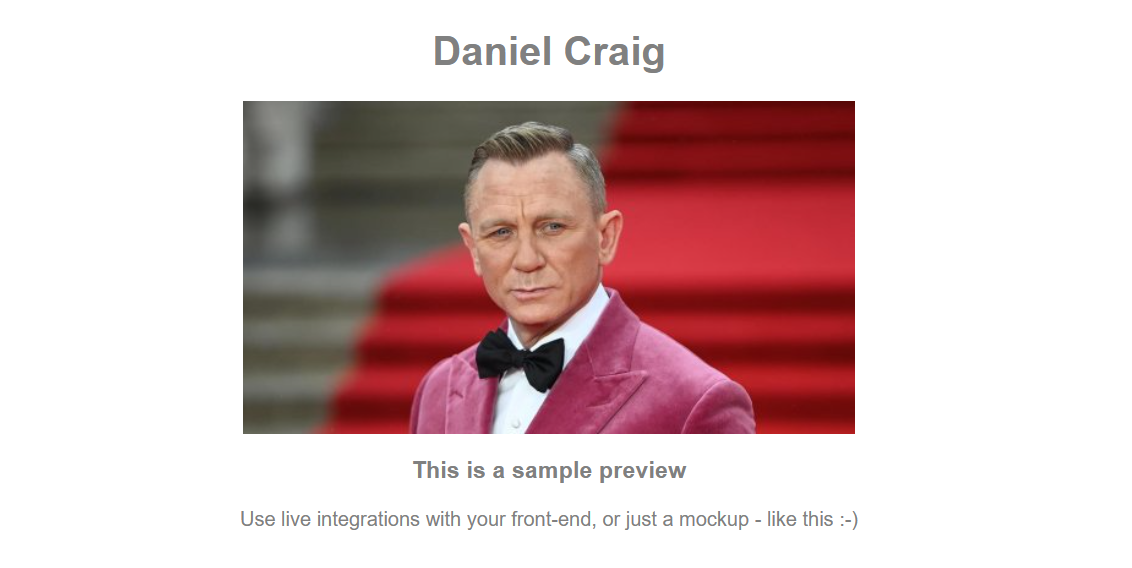
This is a default preview generated by Enonic XP and not by our React app. With Guillotine 9, using the HTML placeholder directly will not even reach this preview.
Our goal is to change internal person links to be in the format /p/:name/:personId - so they will be rendered by the React application instead.
Custom link component
Add the following code to your project:
import type {LinkComponent} from '@enonic/react-components';
import {mediaUrl} from '../api';

export const Link: LinkComponent = ({children, data, href, target, title}) => {
    let appHref: string | undefined;
    if (!data) {
        appHref = href;
    } else if (data.media) {
        appHref = mediaUrl(data.media.mediaUrl);
    } else {
        const content = data.content;
        if (content?.type?.endsWith(':person') && content._name && content._id) {
            const queryString = typeof data.pageUrl === 'object' ? data.pageUrl?.queryString || '' : '';
            appHref = `/p/${encodeURIComponent(content._name)}/${content._id}${queryString}${data.fragment || ''}`;
        }
    }
    if (!appHref) {
        return <>{children}</>;
    }
    return <a href={appHref} target={target} title={title}>{children}</a>;
};
What does it do?
-
For the
personcontent type, we usedata.contentfields_nameand_idto construct/p/:name/:personId, preservingdata.pageUrl.queryStringanddata.fragment. -
For media content, we resolve
data.media.mediaUrlthrough themediaUrlhelper. -
Ordinary links without structured
datakeep their HTMLhrefunchanged. -
Unsupported internal content or references without a usable destination render as plain text.
Before updating Person.tsx, we also need the image renderer.
Images
Similarly, you can implement your own Image component in order to take more control over how images are rendered:
import type {ImageComponent} from '@enonic/react-components';
import {mediaUrl} from '../api';

export const Image: ImageComponent = ({data, alt, sizes, style}) => {
    const src = mediaUrl(data?.src);
    if (!src) {
        return null;
    }
    const srcSet = data?.srcset?.map(source => `${mediaUrl(source.imageUrl)} ${source.width}w`).join(', ');
    return <img alt={alt} sizes={sizes} src={src} srcSet={srcSet} style={style}/>;
};
This resolves data.src and each data.srcset URL through mediaUrl, while retaining the HTML sizes, style, and alt attributes. If the image cannot be resolved, it is omitted rather than rendering a placeholder URL.
Now that both renderers exist, replace Person.tsx with the following code. It passes the original bio data to RichText and supplies both custom renderers, without depending on the Macro component that we will create in the next chapter:
import type {RichTextData, RichTextMetaData, ContentTypeData, UrlParts} from '@enonic/react-components';
import {RichText} from '@enonic/react-components';
import {useEffect, useState} from 'react';
import {Link as RouterLink, useParams} from 'react-router-dom';

import {Image} from './Image';
import {Link} from './Link';
import {mediaUrl} from '../api';
import PERSON_QUERY from '../queries/Person';

import styles from './Person.module.css';


export function Person() {

    const {
        personId = ''
    } = useParams();

    const [data, setData] = useState<{
        _name: string
        _path: string
        data: {
            bio: RichTextData
            dateofbirth: string
            photos: {
                imageUrl: UrlParts | null
            }[]
        }
        displayName: string
    }>();

    useEffect(() => {
        fetch(import.meta.env.VITE_GUILLOTINE_URL as string, {
            body: JSON.stringify({
                query: PERSON_QUERY,
                variables: {
                    personId,
                }
            }),
            headers: {
                'content-type': 'application/json'
            },
            method: 'POST',
        })
            .then(response => response.json())
            .then(json => {
                const value = json.data.guillotine.get;
                setData(value)
            });
    }, [personId]); // useEffect

    if (!data) {
        return null;
    }

    const {
        data: {
            bio,
            photos
        },
        displayName
    } = data;

    // Minimal meta and component data required by RichText
    const meta: RichTextMetaData = {
        type: 'person',
        id: personId,
        path: data._path,
        mode: 'inline'
    };

    const component: ContentTypeData = {
        contentType: 'person',
        type: 'contentType'
    };

    return (
        <>
            <div className={styles.person}>
                <h2>{displayName}</h2>
                <RichText
                    className={styles.bio}
                    data={bio}
                    meta={meta}
                    component={component}
                    Image={Image}
                    Link={Link}
                    tag='article'
                />
                {
                    photos.length && <h4 className={styles.photosheader}>Photos</h4>
                }
                <div className={styles.photos}>
                    {
                        photos.map((photo: any, i: number) => (
                            <img key={i}
                                 src={mediaUrl(photo.imageUrl)}
                                 title={getTitle(photo, displayName)}
                                 alt={getTitle(photo, displayName)}
                                 width="500"
                            />
                        ))
                    }
                </div>
                <RouterLink to="/">Back to list</RouterLink>
            </div>
        </>
    );
}

function getTitle(photo: any, displayName: string) {
    return (photo.attachments || [])[0].name || displayName;
}
If you go to the Lea Seydough page and click the Daniel Carrigear link, you should see that his page is now rendered by our React app:
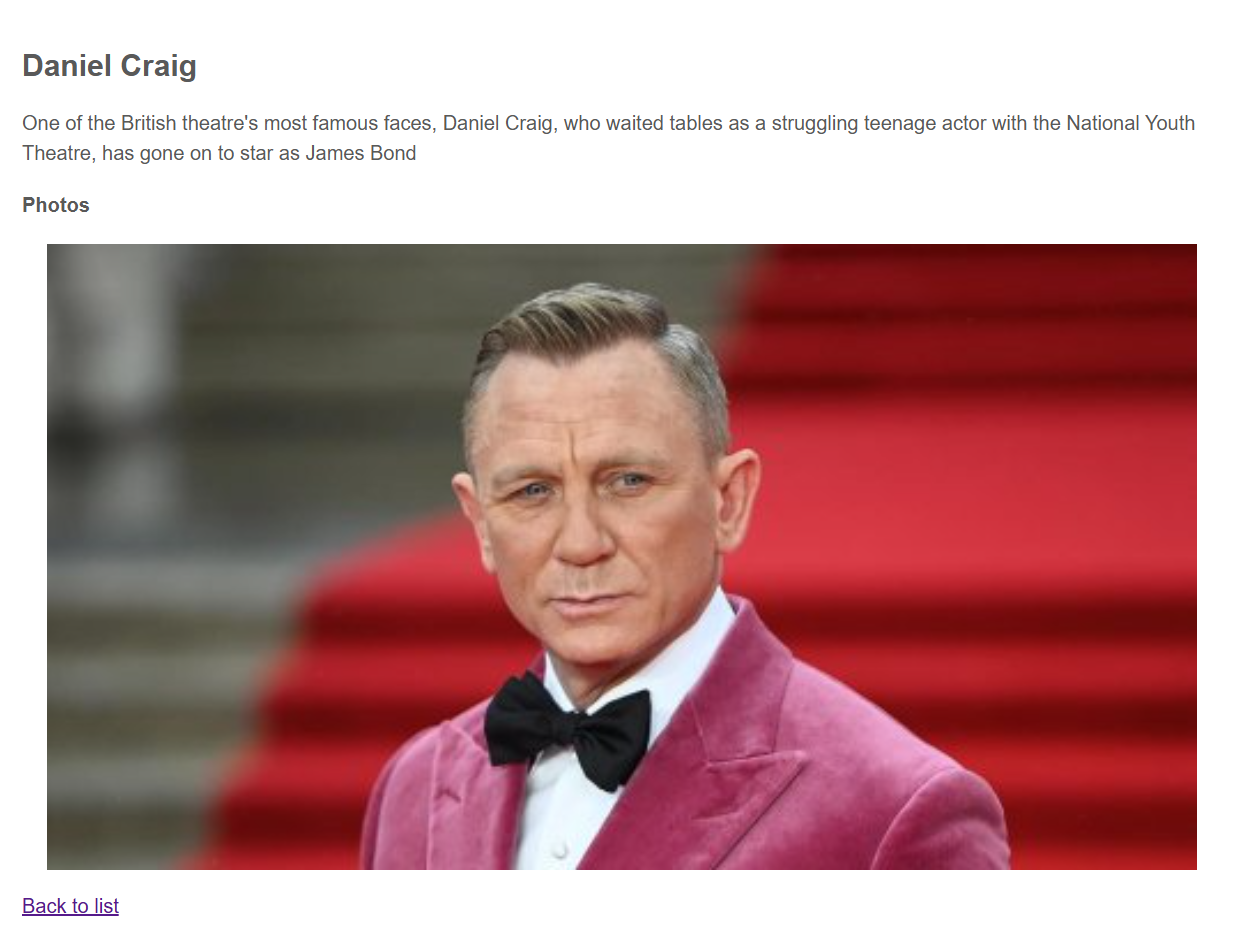
| The screenshots show names from an older Intro dataset. Use the names and IDs returned by your project when following links. |