Tag - form item
Contents
Add plain text tags to your content.
Tags support autocompletion based on tags defined in other items with the same property path. A tag may consist of spaces and special characters, but leading and trailing whitespace will be trimmed.
Appearance
Tags are entered in a free-text input field. When a tag is added, it is presented as a separate element within the input field.
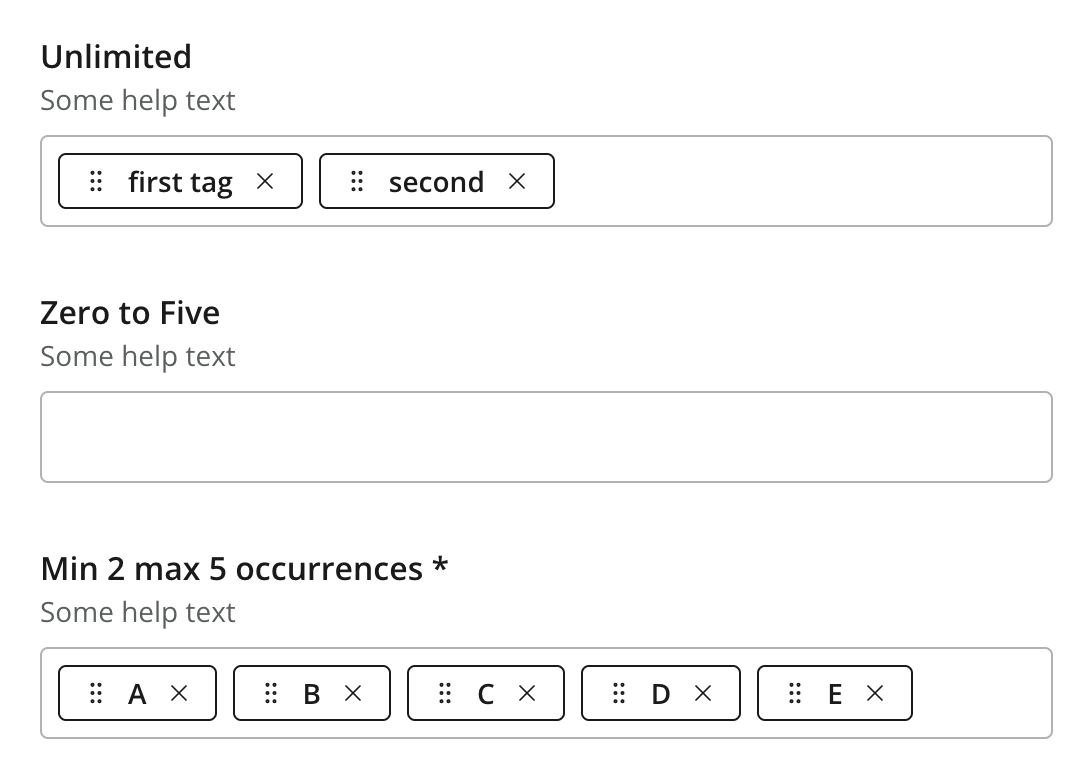
Figure 1. Multiple examples of Tag configurations
| Tags handle occurences within a single input field, allowing for a smooth editing experience. |
Usage
- type: "Tag"
  name: "my_tag"
  label: "My Tag"
  occurrences:
    min: 0
    max: 0
Output
Value type: String — not included in _alltext
With multiple occurrences, the values are returned as an array.
{
  "my_tag": [
    "first-tag",
    "second tag",
    "The third tag"
  ]
}