Archive
Contents
The Archive is a separate storage area where deleted content is held before it is permanently removed. It preserves the structure of removed items (descendants, attachments, version history) so content can be restored if it is deleted by mistake.
Content ends up in the Archive via the Delete action from the Navigator or Editor. From the Archive, items can be restored to their original location or permanently deleted.
Archive in layers
When layers are involved:
-
Deleting a content item in a parent project automatically archives it in all child layers where it is not localised.
-
Creating a new layer automatically inherits the archive of its parent project/layer.
-
Deleting an inherited (non-localised) item directly in a layer does not recreate it in the "main" storage — this is the intended way to prune unwanted inherited items from a layer.
-
Permanently deleting a content item from a layer’s archive can recreate it in that layer’s main storage if it still exists in the parent (unless it was originally localised in the layer).
Archive view
| Content Studio+ feature. The dedicated Archive section in the main menu is part of the Content Studio+ subscription. The Delete action itself (moving content to the archive) is available in all installations. |
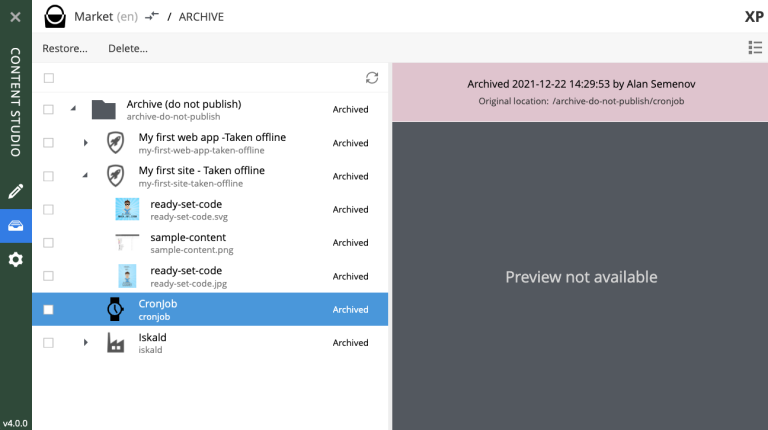
Click the Archive icon in the vertical main menu on the left to open the Archive view. It looks much like the Content Navigator with a few differences:
-
Only two actions are available: Restore and Delete. Restore returns the selected content to its original location. Delete physically removes the selected content from storage.
-
Preview works only for media items (images, videos, etc.).
-
The widget selector has only two choices: Details and Version history.
The preview panel on the right shows who archived each item, when, and what its original path was.
Restore
| Archived content can only be restored from the Archive view, which requires Content Studio+. |
The Restore action in the Archive view opens the Restore from Archive dialog. Content is always restored together with all of its descendants, preserving structure.
If an item is restored directly from a layer’s archive, it is automatically localised (unlinked from the corresponding content in the parent project/layer).
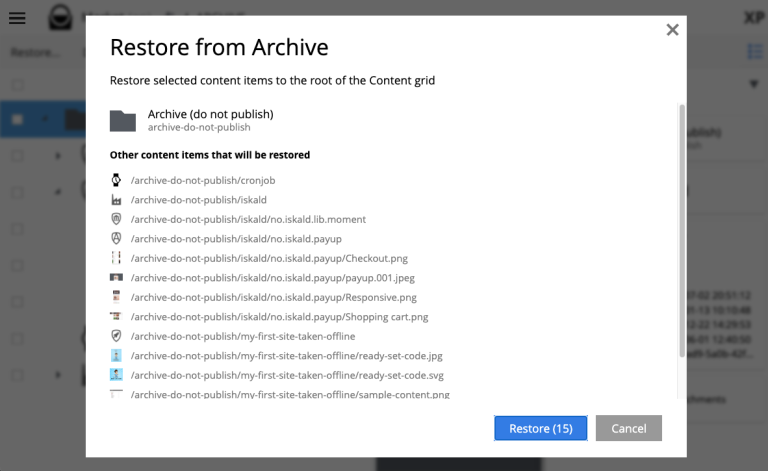
If the original location is no longer available (for example, another item now occupies the path), the system appends -1, -2, etc. to the restored item’s path. |
Permanent deletion
The Delete action inside the Archive view physically removes the selected content from storage. This is not reversible from the UI — recovery requires a snapshot restore.
Version history
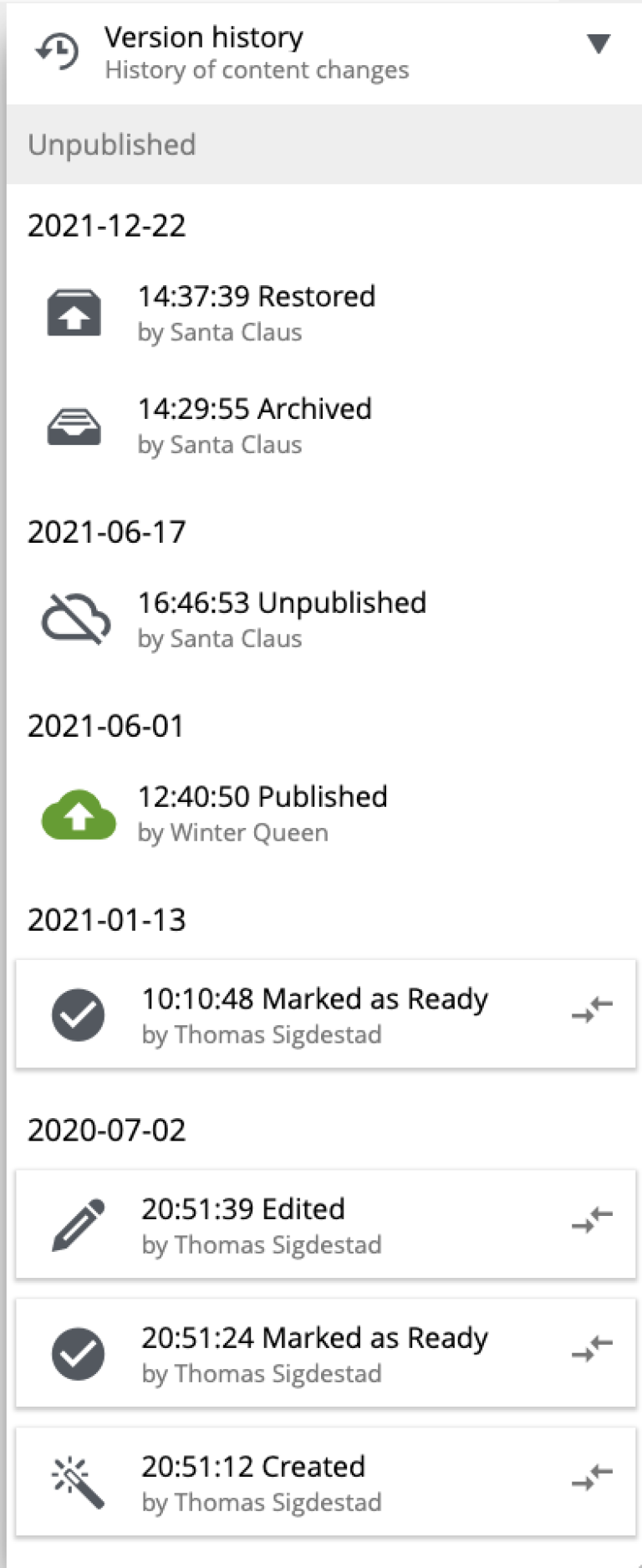
Delete and restore operations appear as entries in the Version history widget for each content item.