Workflow
Contents
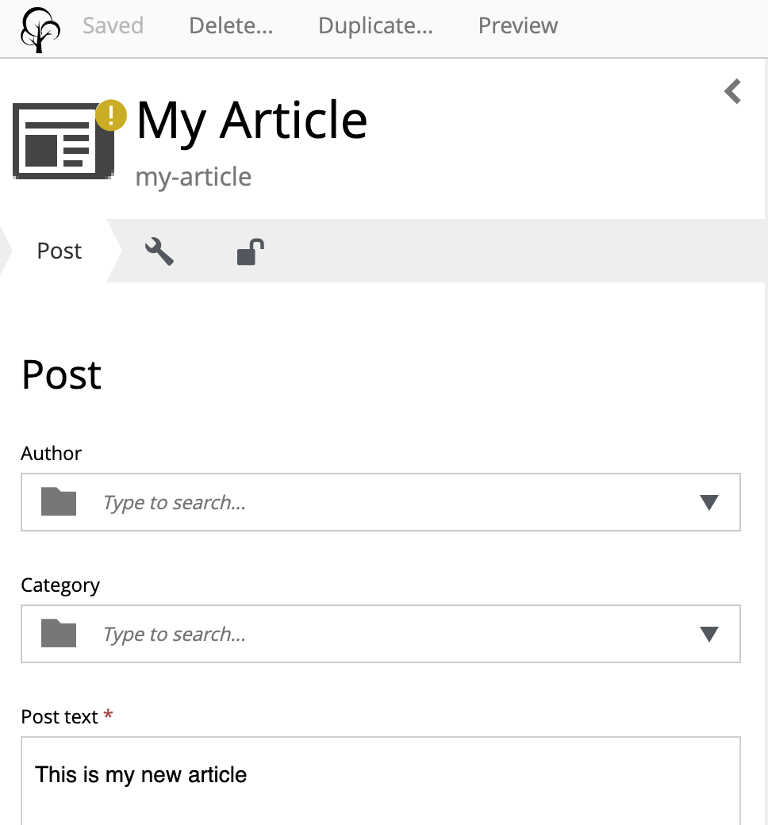
Workflow is the state machine a content item moves through on its way to being published. The state is shown as an icon next to the content-type icon throughout the UI (a red icon indicates the content is invalid — for example, required fields are missing).

The states:
-
In progress — default state for a new or modified content item. Cannot be published.
-
Ready for publishing — the editor has explicitly flagged the content as done.
-
Publish request — a review/approval has been requested from another user.
-
Published — the active version in the
draftbranch matches what is live onmaster. -
Unpublished — previously published content that has been taken offline.
Transitions are driven by four actions: Mark as ready, Publish, Unpublish, and Request publishing (documented under Issues because a publish request is an issue type with assignees, comments, and a shared Open-Issues list).
In progress
The default state of a new content item. Signals that the content is being worked on; it will stay in this state until the editor explicitly marks it as ready, or until a publisher overrides and publishes it directly.
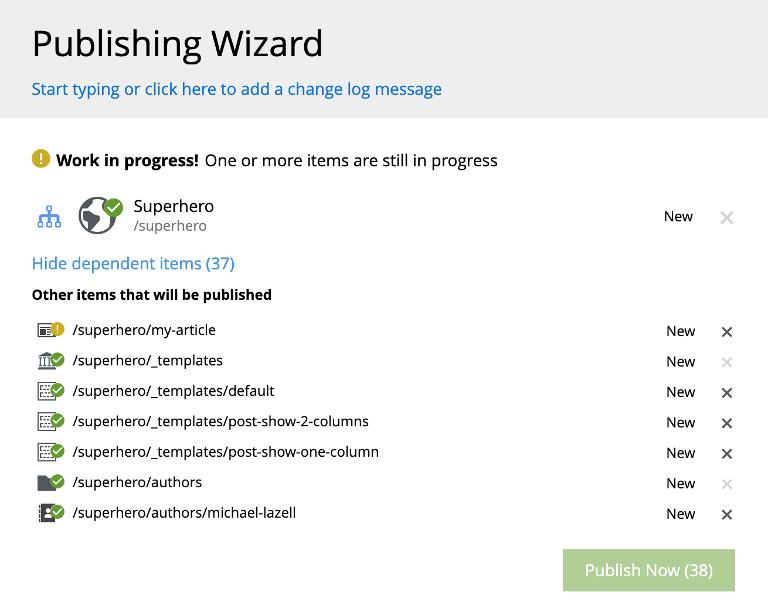
In-progress content is not eligible for publishing — this is deliberate, to keep unfinished content from being published by accident. The Publishing wizard will block the batch and highlight the offending items:
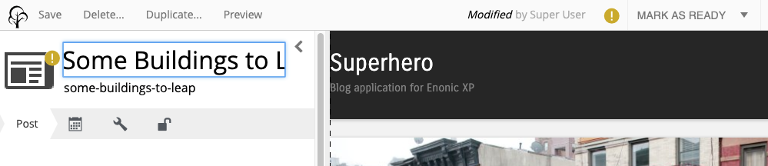
The default toolbar action for in-progress content is Mark as ready.
| A user with publish permission can invoke Publish… directly on in-progress content from the Content Editor — the item is automatically marked as ready first, on the assumption that invoking publish signals the work is finished. |
Ready for publishing
Set by the Mark as ready action from the Content Editor or Content Navigator. The yellow ! icon is replaced with a green ✓, and the item becomes eligible for publishing.
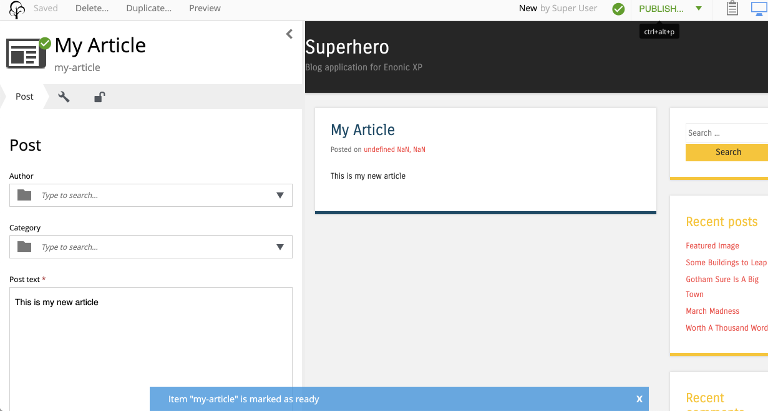
The default toolbar action changes to Publish (if the user has publish permission) or Request publishing (if not).
| Editors with publish permission may still use Request publishing when content needs sign-off or additional input from another user. |
Any edit to a Ready for publishing item immediately resets it to In progress — the editor must mark it ready again once the edits are finished.
Publish request
Set when another user has been asked to review and publish the item via the Request publishing action. The full wizard, the request dialog, and how requests are managed are documented on the Publish request page.
Published
Set when the active version has been pushed from draft to master. No icon is shown — published is the default, quiet state.
Editing a published item resets the workflow state to In progress; the master branch is unaffected until the item is published again.
Unpublished
Set when a previously-published item is removed from master via the Unpublish action. Unpublishing an item automatically unpublishes all of its descendants.