Image
Contents
Image is a specialised Media content type.
Introduction
Uploading an raster image file creates an Image content item. Unlike a regular media item, an image content has additional editorial capabilities.
- Visual editor
-
Supports basic image editing such as Cropping and Focal point, which affect the delivery of the image.
- Image fields
-
The image form has fields such as
CaptionandAlt text, but also technical metadata such as dimensions, photo fields likeapertureand even Geo-location - if available.
Metadata extraction
Once an image is uploaded, the underlying API will automatically pick up any Exif metadata from the source file and populate the corresponding fields in the content form.
Like other media content, the metadata fields are indexed and searchable, so you can find images by searching for camera model, focal length etc.
Cropping
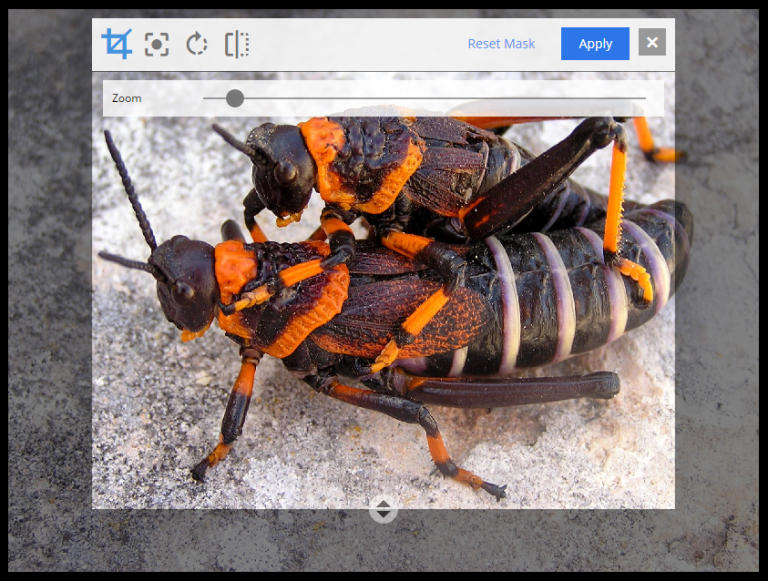
The crop icon above the image dims the surrounding area and reveals the crop-editing tools. The zoom slider enlarges the preview; the image can be dragged to reposition. The aspect-ratio handle (circle with arrows at the bottom) changes the crop ratio. Apply returns the editor to normal mode.
Focal point
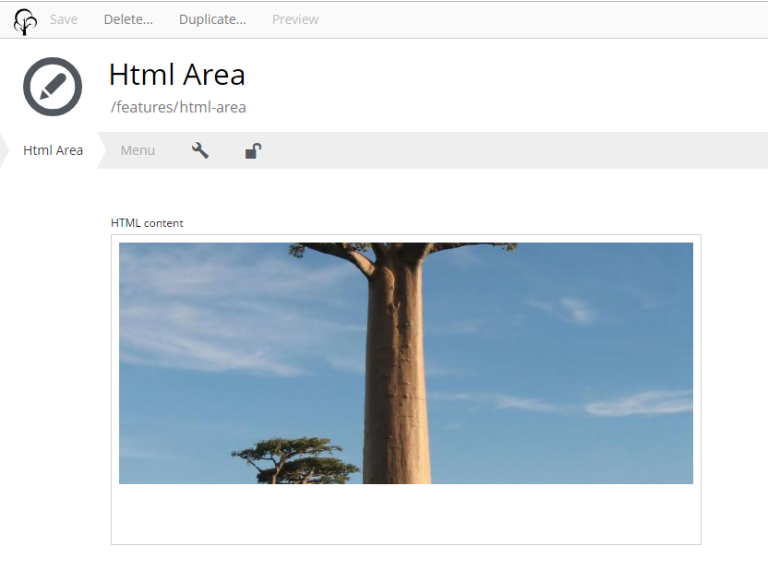
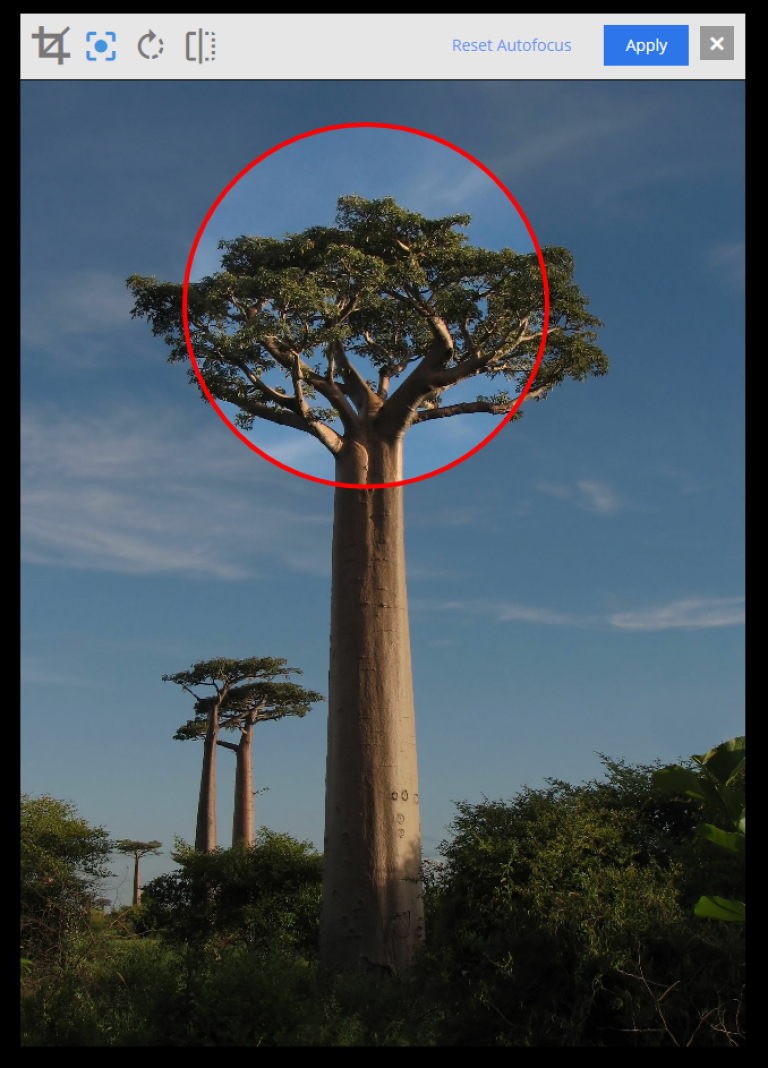
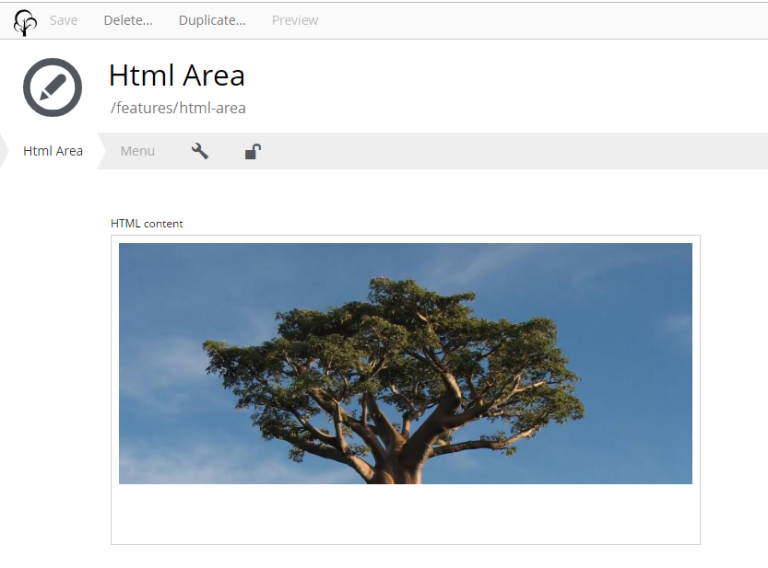
Rendered images often need to be cropped to match a different aspect ratio than the original, which can cut off the subject. Setting a focal point tells the renderer which part of the image to always keep in frame.
Click the focal point icon, then click the part of the image that should stay centred, and Apply. The focal point is marked with a red circle in the editor.