New
Contents
The New action launches the New Content dialog for creating content. It can be invoked three ways:
-
Keyboard shortcut —
alt + n. -
The New button in the toolbar.
-
The New entry in the context menu (right-click an item in the Content Navigator).
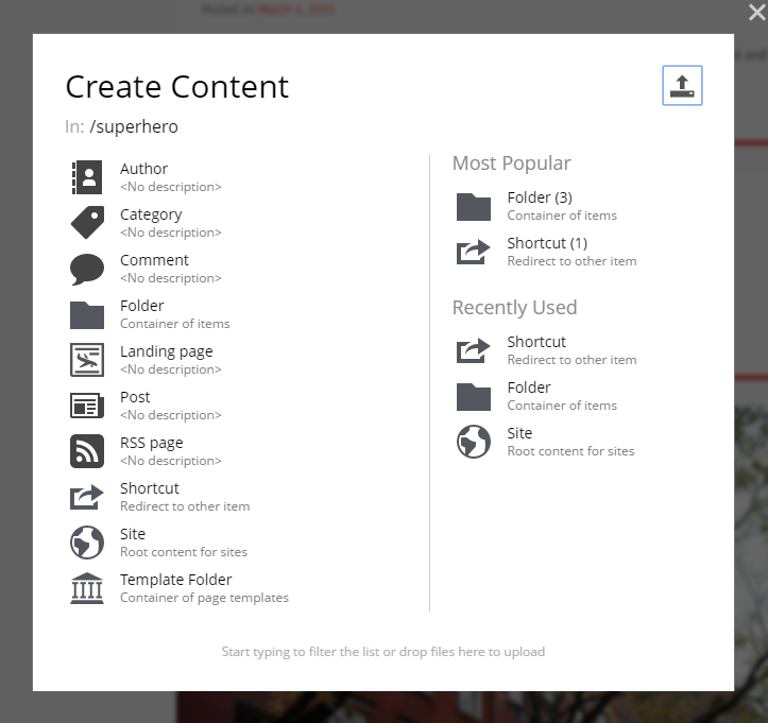
| The New Content dialog uses the current selection as the parent for the new item. If nothing is selected, the new item is created at the root of the project. |
New by type
The dialog lets you choose from the content types available in the current context. Pick a type and a new content item is created; the Content Editor opens in a new tab.
The dialog offers three ways to find a type:
-
The full list of all content types available in the current context.
-
The Most Popular list — the types most frequently used at this location.
-
The Recently Used list — based on your own recent actions.
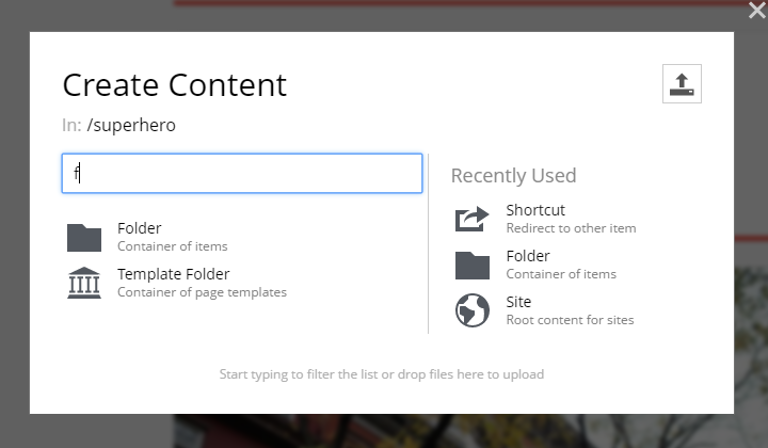
| Start typing on your keyboard to filter the list by name. |
New by uploading
File-based content (images, videos, other media) can be created directly by uploading. The underlying content type is detected automatically from the file’s type.
There are two ways to upload:
-
Click the upload icon in the top right of the dialog.
-
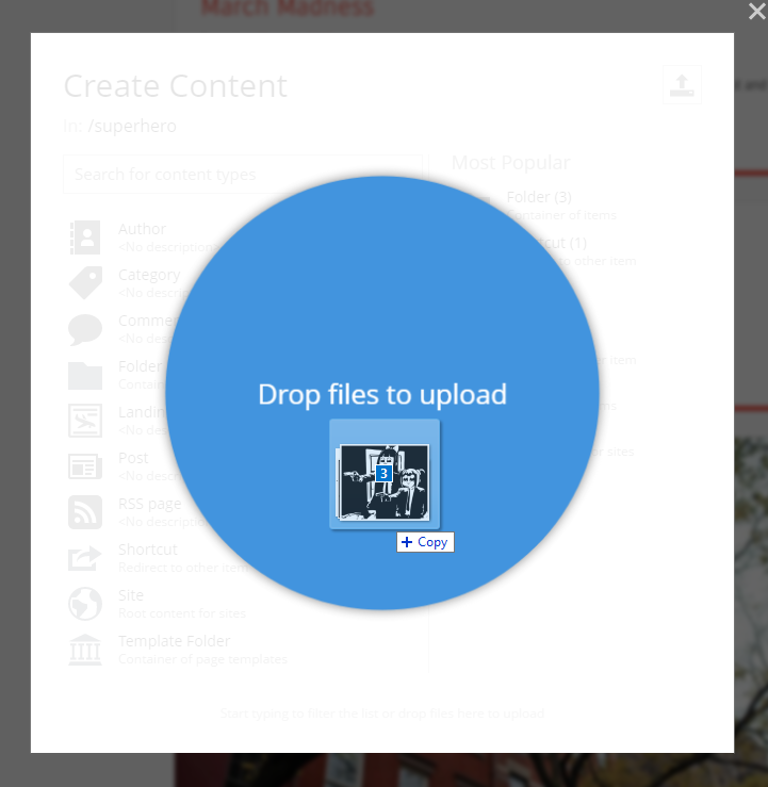
Drag files onto the dialog. Bulk uploading is supported — drop multiple files at once.