Building a Next.js website powered by Enonic XP
Contents
This is a step-by-step tutorial on building and managing Next.js sites, using Enonic as your backend. The combined set of software and tools used in this tutorial is simply called Next.XP. You may alternatively skip the tutorial and try out a demo of Next.XP instead.
|
Requirements: We recommend that you complete the introduction to Enonic before embarking on this tutorial. Experience with Next.js is nice, but not required. |
Intro
Next.XP is an opinionated out-of-the-box integration between Enonic XP and Next.js - ideal for building and maintaining websites.
It offers content editors a familiar and hassle-free way of working with content, using structured content, component based landing pages, and extensive control over the site’s URL structure.
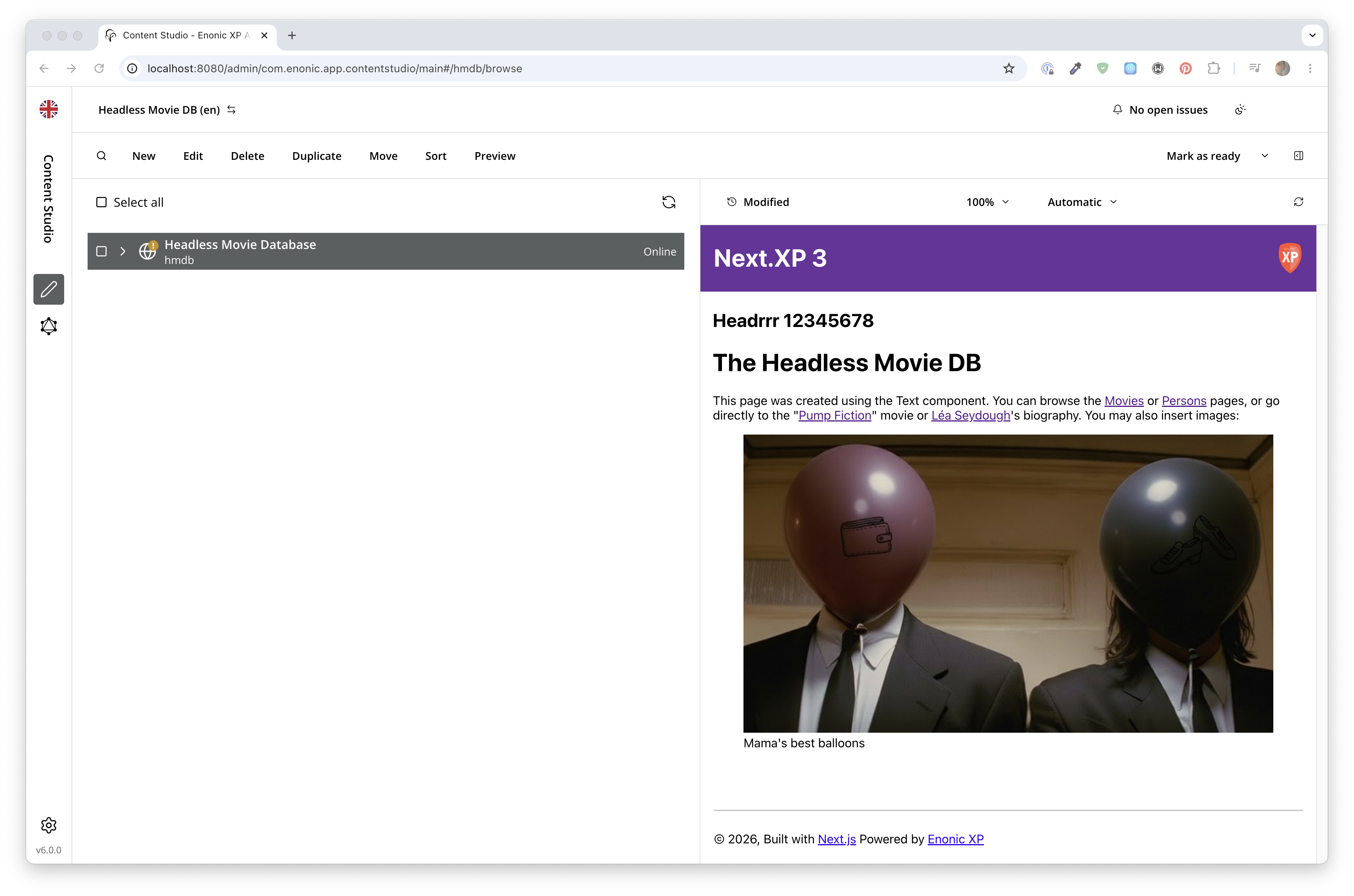
You will complete the following steps:
-
Set up the Enonic SDK and sample content
-
Get familiar with the GraphQL API
-
Learn about the site concept in Enonic
-
Create a Next.js app from a template
-
Activate live preview in Enonic
-
Render content based on type
-
Build landing pages using components
-
Create page templates
-
Static Site Generation SSG
-
Deploy to live servers
-
How to handle multi-language sites
Prerequisites
To follow this tutorial you will need:
-
The Enonic CLI
-
Node.js 24.15.0 or newer, with npm 10.9.2 or newer
-
Git, and a GitHub account for the live deployment chapter
-
Your favorite code editor
This version of the tutorial is based on NextXP 5, consisting of:
| Component | Version |
|---|---|
|
Enonic XP |
8 |
|
Guillotine |
8 |
|
|
5 |
|
Next.js |
16 |
|
React |
19 |
| Using an older setup? Select the matching tutorial version from the version menu on this page. |
Get started by setting up the Enonic development environment.