AttachmentUploader - form item
Contents
Enables uploading of one or more files that will be stored as attachments to the current node/content, similar to how you would add attachments to an e-mail.
AttachmentUploader is different from media content where each media is a separate content item which is automatically indexed, can be linked to, published and deleted individually.
Appearance
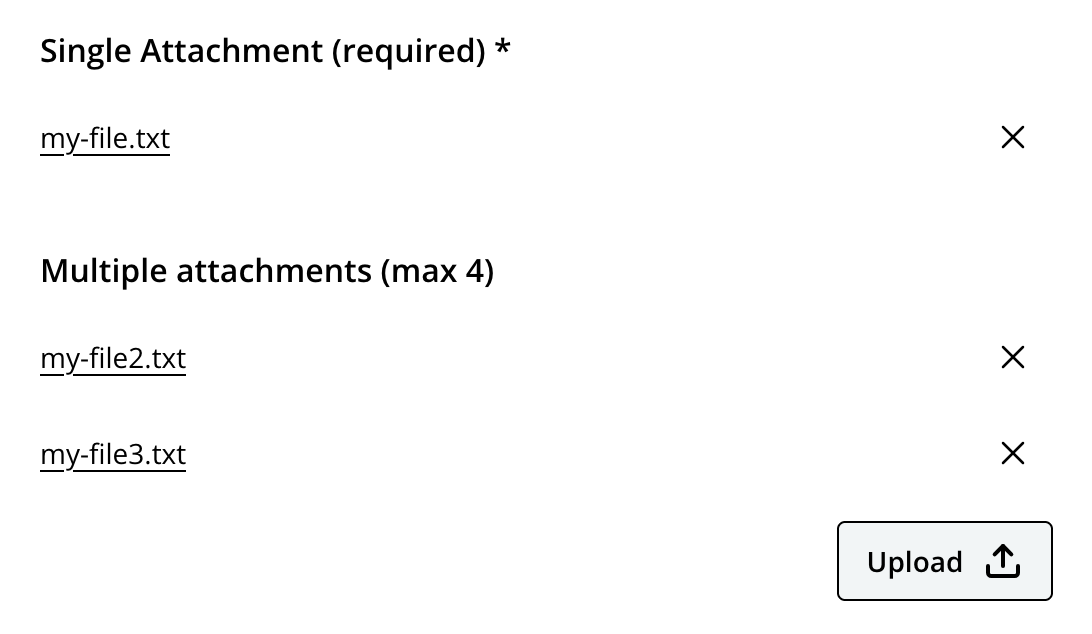
AttachmentUploader as seen in Content Studio.
Usage
- type: "AttachmentUploader"
  name: "my_attachment"
  label: "My AttachmentUploader"
Output
Value type: String (attachment name reference) + an attachment, see Attachments for details.
The stored value is the name of an attachment on the content item. The file itself is stored as an attachment, not as a separate content. See Attachments for details on how attachments are stored and indexed.
Single attachment
{
  "my_attachment": "document.pdf"
}
Multiple attachments (if occurrences allows)
{
  "my_attachment": [
    "document.pdf",
    "spreadsheet.xlsx"
  ]
}