ItemSet - form item
Contents
Create subtypes within your schema for advanced content structures.
Group form items in nested structures — An item set produces a an object or an array of objects in the stored content.
| You may also define itemSets within other itemSets to create more complex structures. |
Appearance
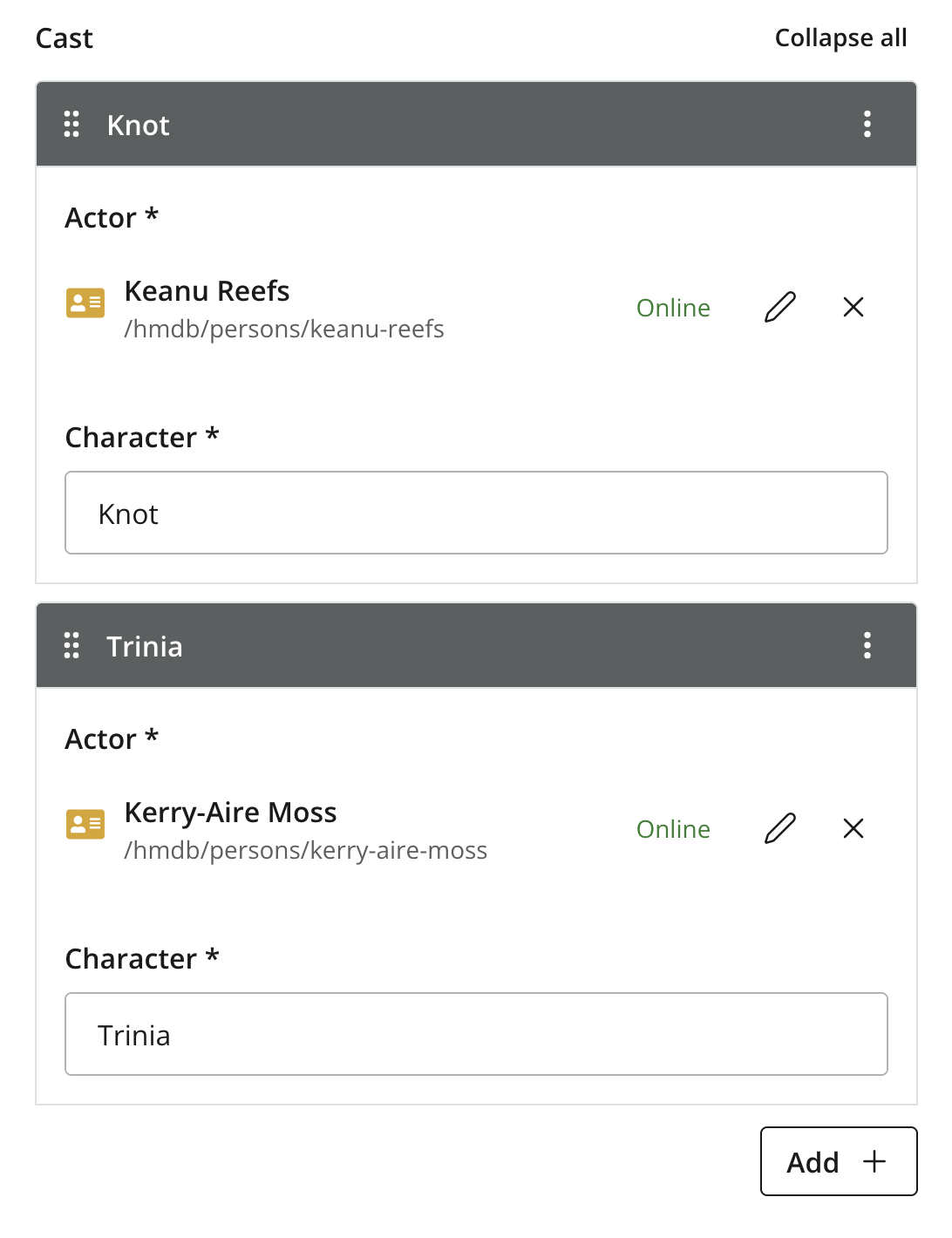
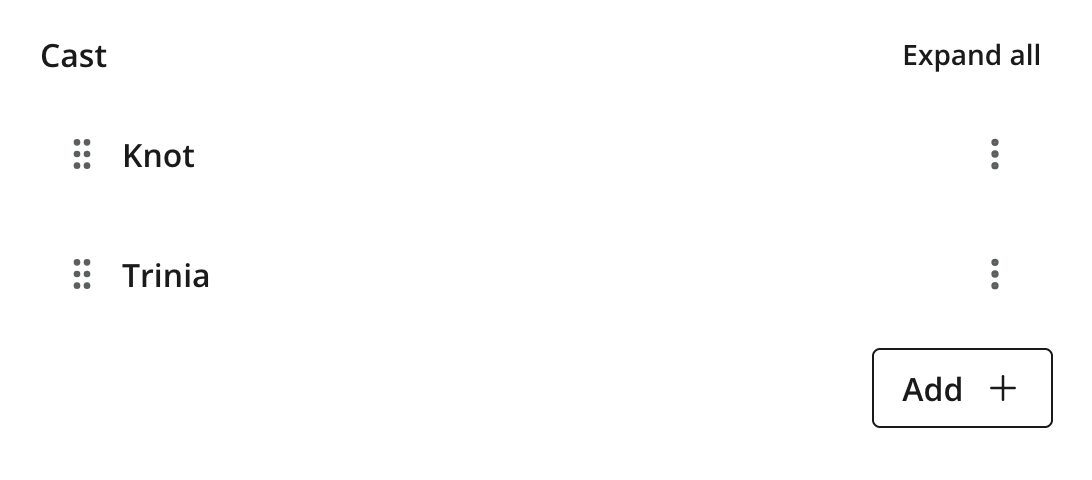
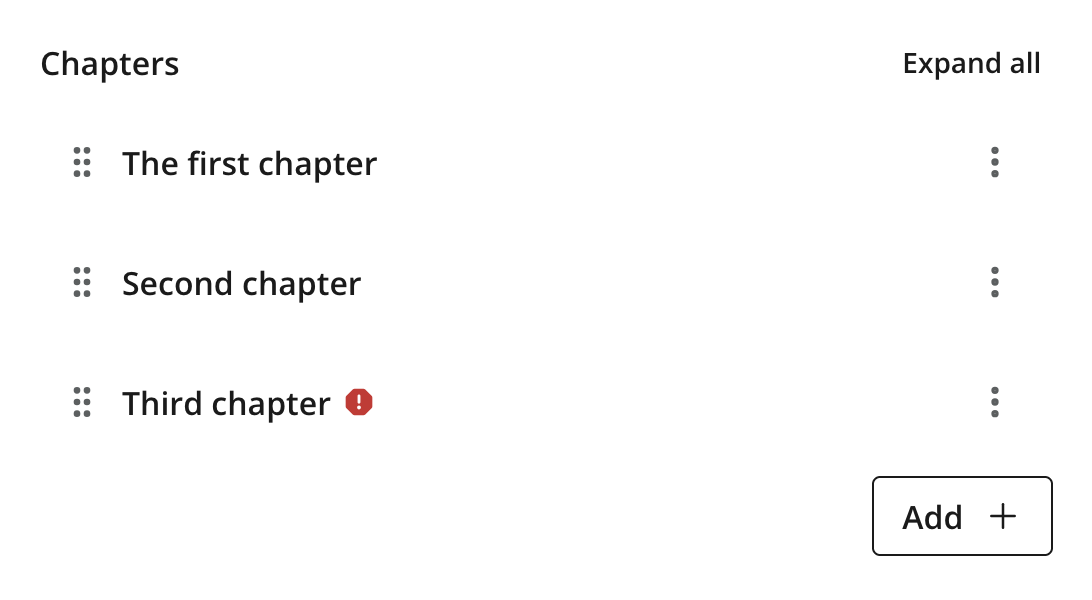
Multiple occurrences of an item set will be collapsed by default to ensure better readability of a form containing several occurrences of complex item sets.
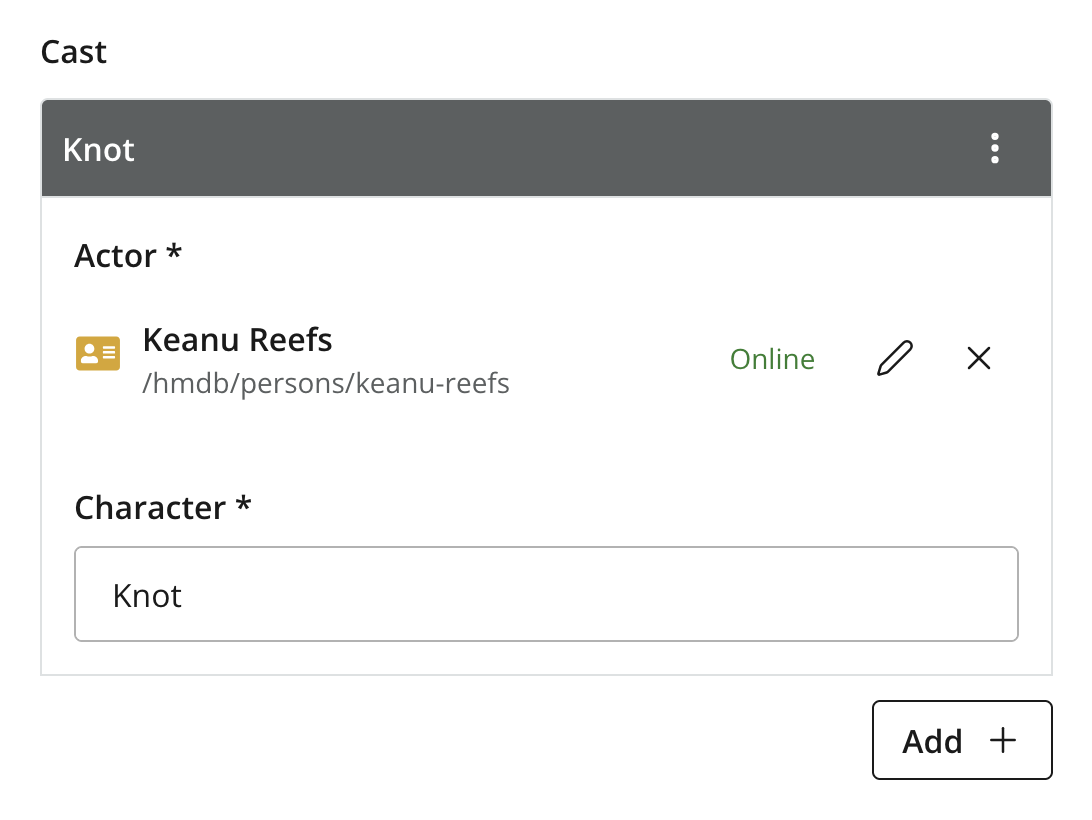
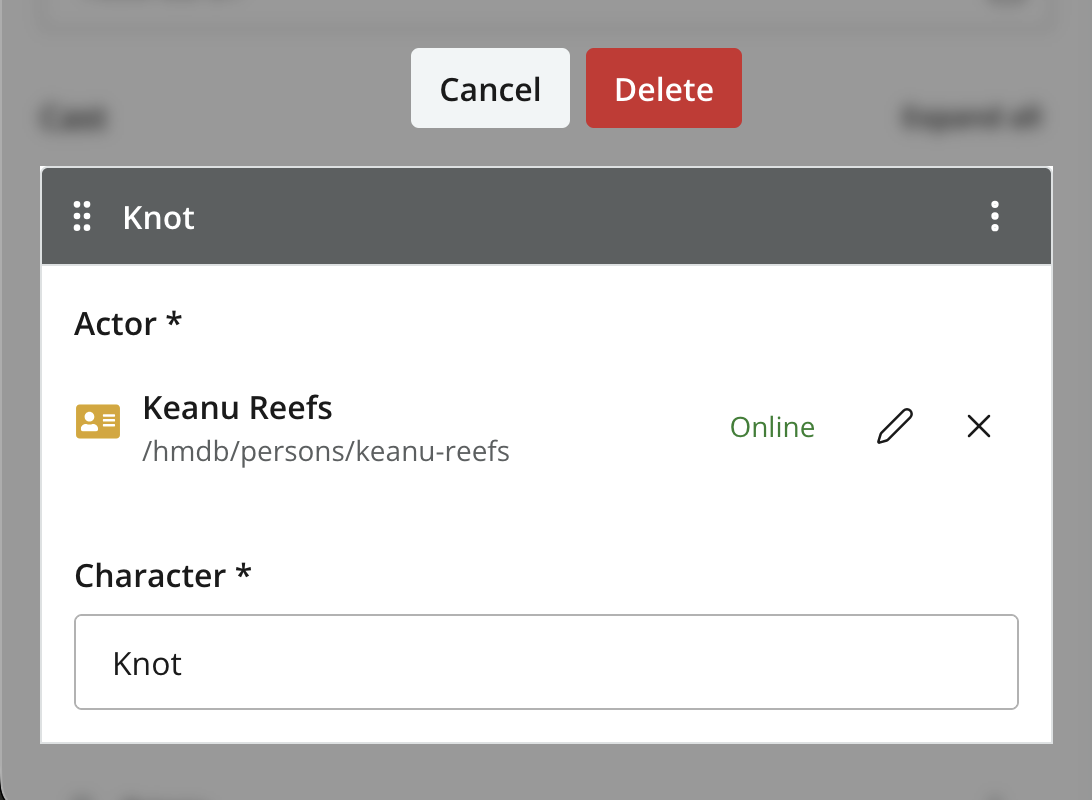
A single instance of an itemset for "Contact info".
Usage
The definition below allows for multiple entries of phone numbers with labels:
- type: "ItemSet"
  name: "contact_info"  (1)
  label:  (2)
    text: "Contact Info"
    i18n: "contact_info.label"
  helpText: "Add one entry per phone number"  (3)
  occurrences:  (4)
    min: 0
    max: 0
  items:
    - type: "TextLine"
      name: "label"
      label: "Label"
      occurrences:
        min: 0
        max: 1
    - type: "TextLine"
      name: "phone_number"
      label: "Phone Number"
      occurrences:
        min: 0
max: 1| 1 | name defines the mapping to the property name. |
| 2 | label — the displayed identifier of the input. |
| 3 | helpText (optional) — explanatory text shown below the set’s label. Like label, supports localization via the text/i18n object pattern. |
| 4 | occurrences control the minimum and maximum instances of the ItemSet that may be created. max: 0 means unlimited. |
| Item sets may be nested inside each other to model more complex structures. |
Output
Value type: PropertySet (object) — the ItemSet itself is not directly queryable, but every child property is indexed independently under its full dotted path (e.g. data.contact_info.phone_number).
The descriptor above produces a property structure like this:
{
  "contact_info": {
    "label": "home",
    "phone_number": "+4712345678"
  }
}{
"contact_info": [
{
"label": "home",
"phone_number": "+4712345678"
},
{
"label": "office",
"phone_number": "+123456789"
}
]
}| Arrays are added based on the actual number of items created, not the schema definition. A single-occurrence ItemSet always stores an object; multi-occurrence stores an object when one item exists, and an array once more than one exists. |
GraphQL
Guillotine generates a typed object for each ItemSet, nested under the parent content type’s data field. The generated type name combines the content type’s sanitized name with the ItemSet name — for example, an ItemSet contact_info on com.example.myproject:person becomes com_example_myproject_Person_ContactInfo.
Drill into the ItemSet with a typed inline fragment on the parent content type:
{
  guillotine {
    get(key: "/people/django-reinhardt") {
      displayName
      ... on com_example_myproject_Person {
        data {
          contact_info {
            label
            phone_number
          }
        }
      }
    }
  }
}{
"data": {
"guillotine": {
"get": {
"displayName": "Django Reinhardt",
"data": {
"contact_info": [
{ "label": "home", "phone_number": "+4712345678" },
{ "label": "office", "phone_number": "+123456789" }
]
}
}
}
}
}The data shape mirrors the stored property structure above — single-occurrence returns the bare object, multi-occurrence returns a list.
Filtering on nested fields
Because every leaf is indexed independently, you can filter content by any field inside an ItemSet using its dotted path:
{
  guillotine {
    queryDsl(
      query: {
        like: {
          field: "data.contact_info.phone_number",
          value: "+47*"
        }
      }
    ) {
      _id
      displayName
    }
  }
}
This matches any item whose ItemSet contains at least one phone_number starting with +47, whether the ItemSet has one occurrence or many.
Nested ItemSets
ItemSets nested inside other ItemSets compound the typed access pattern — each level gets its own generated type name. To select fields from a doubly-nested ItemSet, drill through both:
{
  guillotine {
    get(key: "/people/django-reinhardt") {
      ... on com_example_myproject_Person {
        data {
          contact_info {
            label
            address {
              city
              postal_code
            }
          }
        }
      }
    }
  }
}
Filtering by a deeply nested leaf works the same way as for single-level ItemSets — extend the dotted path: data.contact_info.address.postal_code.