CheckBox - form item
Contents
A checkbox field has a value if it is checked, or no value if it is not checked. Therefore, the only values for occurrences that makes sense is a minimum of zero and a maximum of one, which is default and may be skipped.
Appearance
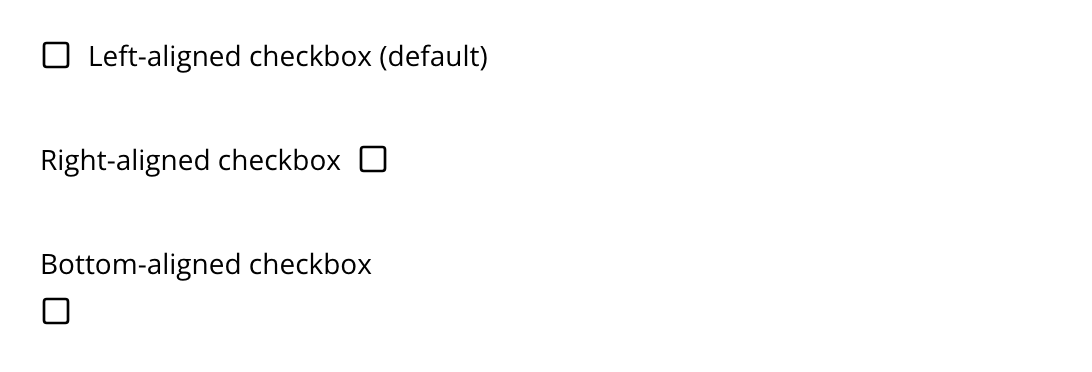
The below screenshot shows four variants of how a checkbox can be presented, based on use of alignment.
Usage
Sample definition with a default checked, right aligned checkbox.
- type: "CheckBox"
  name: "my_checkbox"
  label: "My Checkbox"
  default: "checked"  (1)
alignment: "right" (2)| 1 | default - Use checked to check it, default is unchecked. |
| 2 | alignment defines placement of checkbox relative to label text. Supported values are: "left", "right", "top", "bottom", default is "left". |
Output
Value type: Boolean — not included in _alltext
Checked
{
  "my_checkbox": true
}| When the checkbox is unchecked, the property is omitted from the output entirely. |