Date - form item
Contents
A simple field for dates with a calendar pop-up box in the admin console. The default format is yyyy-MM-dd.
Appearance
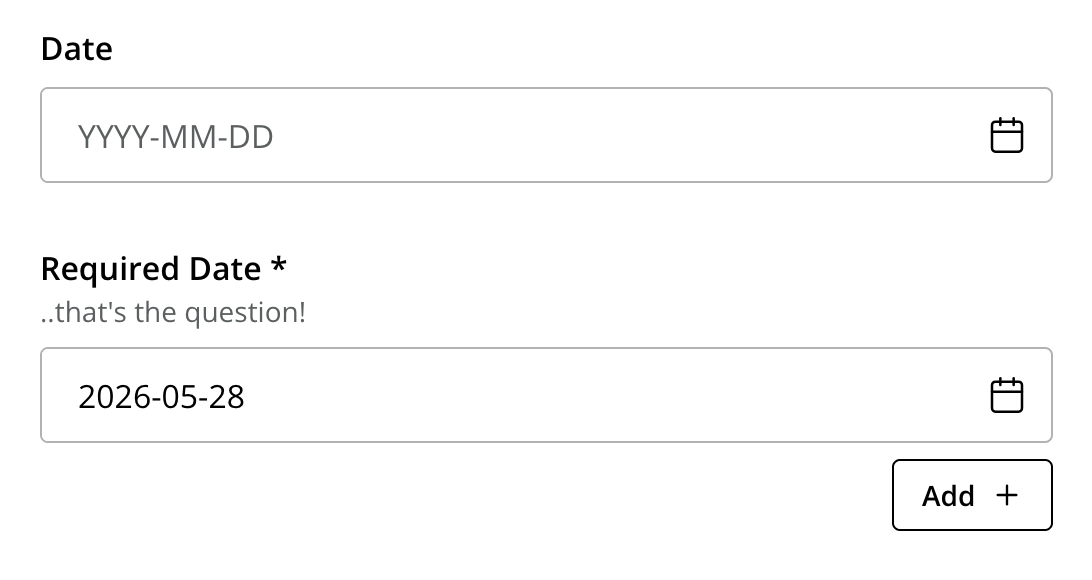
If the formItem has a default value, the Date picker UI will display "Set default" button for setting the default value with one click. |
Usage
- type: "Date"
  name: "my_date"
  label: "My Date"
default: "2011-09-12" (1)| 1 | default date value to be used. The format for the default date value can be: |
-
Date in ISO 8601 format:
yyyy-MM-dd(e.g. "2016-12-31") -
Relative date expression (e.g. "+1year -12days")
A relative date expression is a sequence of one or more date offsets.
An offset consists of: a plus or minus sign, followed by an integer, followed by a date unit string (e.g. "+3 days")
| Singular | Plural | initial letter |
|---|---|---|
|
"year" |
"years" |
"y" |
|
"month" |
"months" |
"M" |
|
"week" |
"weeks" |
"w" |
|
"day" |
"days" |
"d" |
An offset can also be the string now, which means current date.
Output
Value type: LocalDate — not included in _alltext
{
  "my_date": "2016-12-31"
}
Multiple occurrences
{
  "my_date": [
    "2016-12-31",
    "2017-01-15"
  ]
}