Sites
Contents
A Site is a special content type that sits at the root of a website. Sites are the bridge between content and applications: installing an application on a site is what makes page rendering, parts, layouts, and custom configuration available to the content inside.
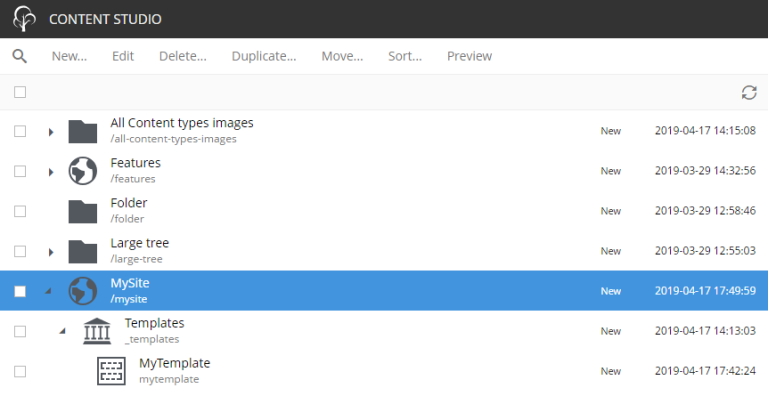
Sites are usually created at the root of the content tree. Creating one automatically provisions a Templates folder as its first child.
Site fields
A Site content item has:
-
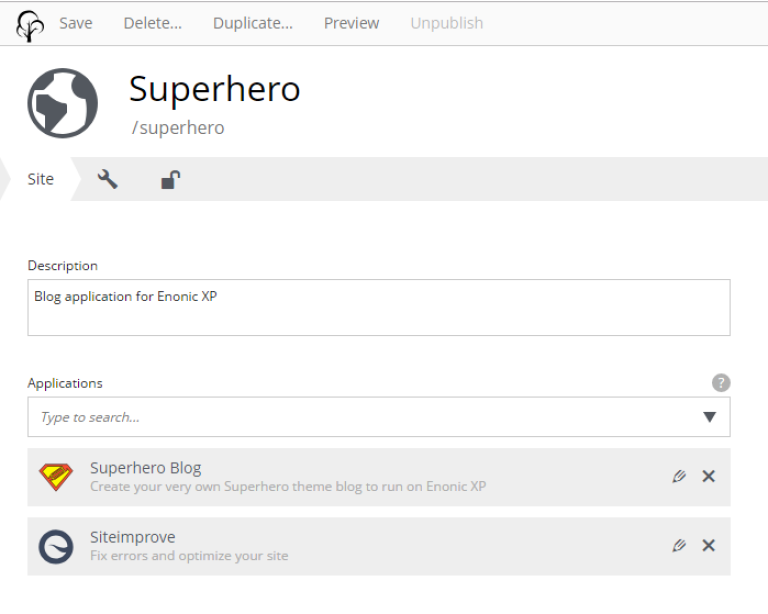
A description field (plain text).
-
An Applications selector for attaching and configuring applications that run on this site.
-
The standard Settings and Security sections available to any content item.
Applications
Applications provide the code behind a site. Some apps contribute components (parts, layouts, page controllers) used for page building in the Page editor; others just add functionality.
A site needs at least one app that contributes a page controller before any content inside it can be rendered as a page.
Applications are attached via the Applications selector in the site’s edit view. Adding or removing an application requires the Administrator or Content Manager Administrator role.
Application configuration
Each application added to a site appears in the site’s edit view with:
-
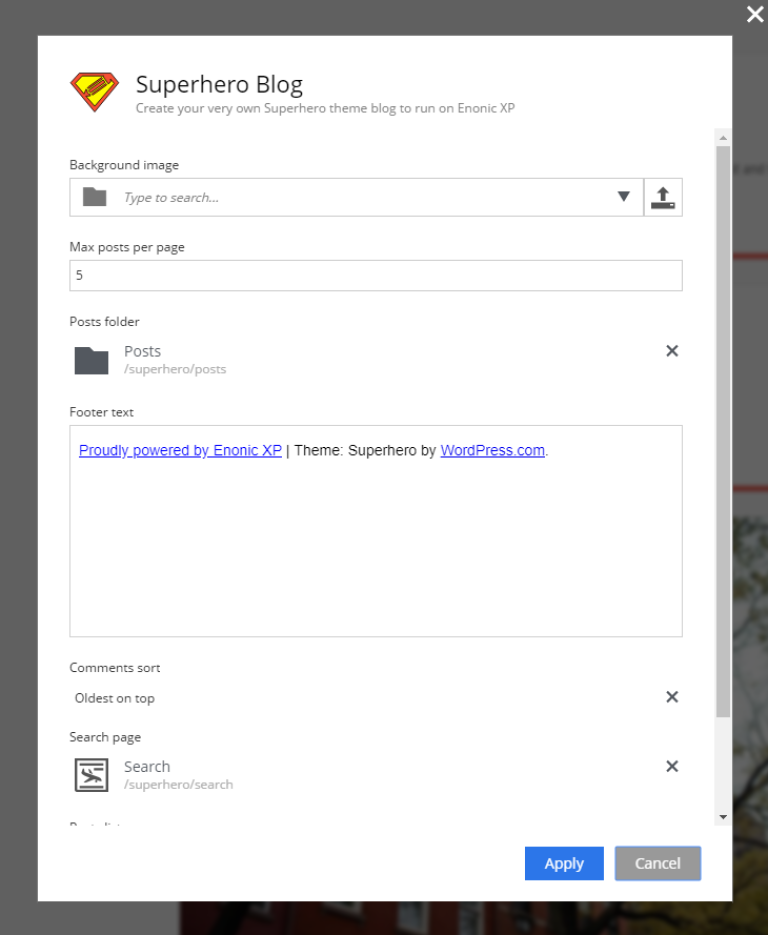
A pencil icon — edit the application’s configuration (fields defined by the application itself).
-
An X icon — remove the application from the site.
The available configuration options vary per application. Only Administrator or Content Manager Administrator can edit them.
Templates folder
Every site has a Templates folder automatically created as a direct child. It behaves like a regular folder except that:
-
It can only contain Page template content.
-
It has a distinct icon in the Navigator tree.
The order of templates inside the folder matters — when several templates support the same content type, the one listed first is used by default.