Shortcut
Contents
A Shortcut is a content item whose purpose is to redirect to another content item. It provides a short, stable path to deeply nested content or makes the same target available from another location in the content tree.
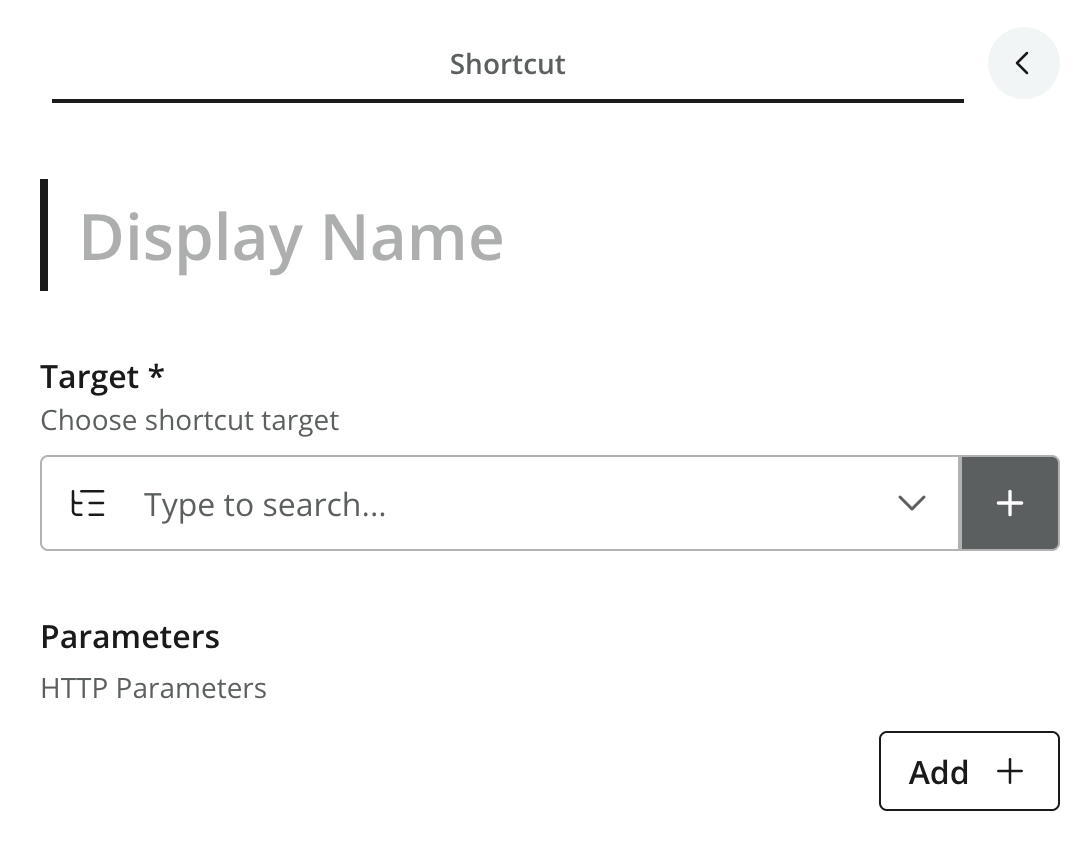
Figure 1. Shortcut content item
Fields
-
Target (required) — the content item to which the shortcut redirects.
-
Parameters (optional) — a list of name-value pairs appended to the redirect URL as query-string parameters.
Behavior
Like any other content type, shortcuts are simply content. The front-end is responsible for the actual behaviour, but in a regular web-based front-end it will normally be implemented as a regular HTTP redirect.
The target is resolved when the shortcut is requested; if it is missing or unavailable, the redirect cannot be completed.