Settings
Contents
Settings is where you manage your Content Projects
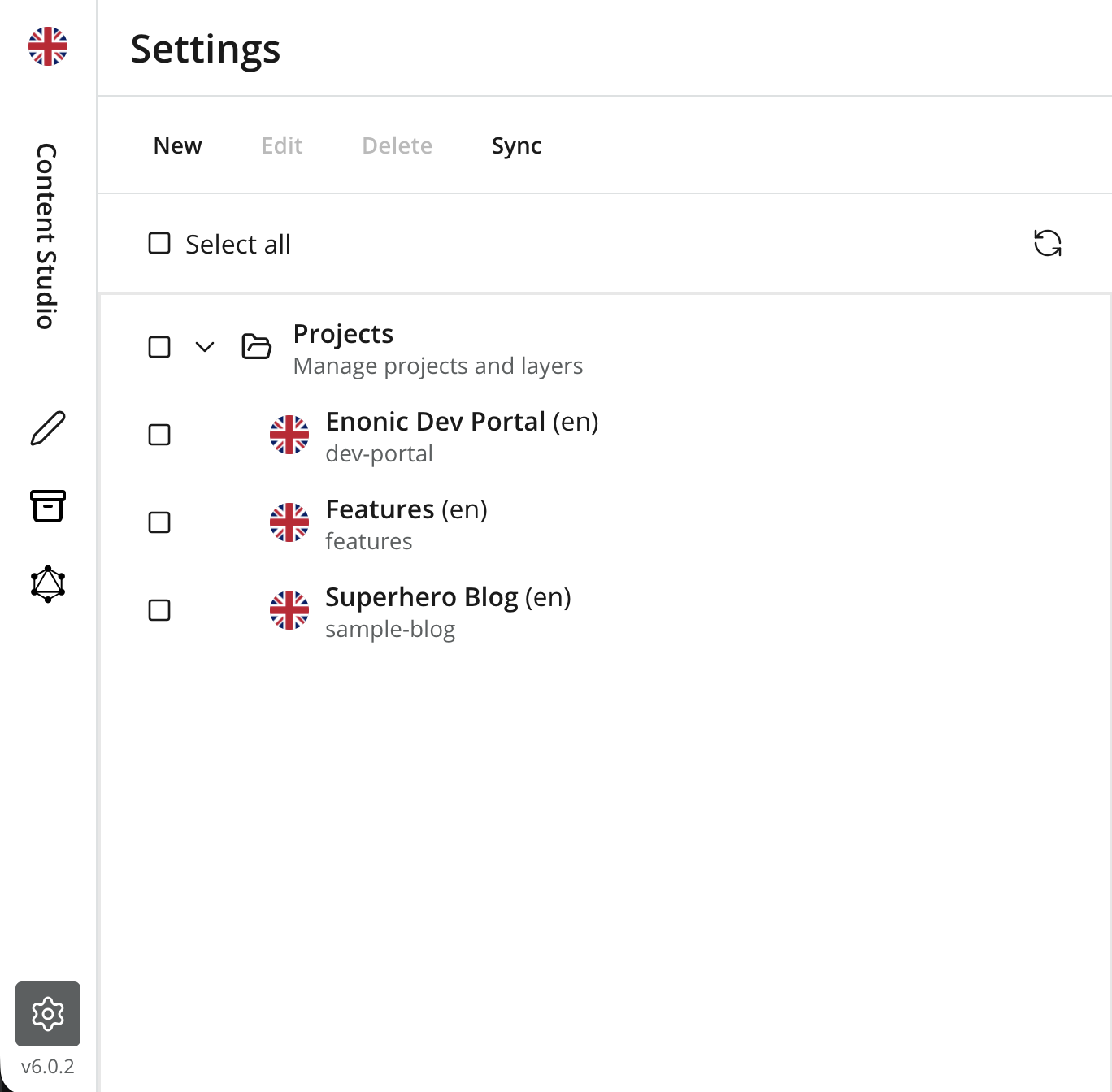
Toolbar
The toolbar above the grid offers the following actions:
-
New — launches the project wizard to create a new project or layer.
-
Edit — opens the selected project(s) for editing. Double-clicking a project does the same.
-
Delete — deletes the selected project after confirmation.
For details on creating, editing and deleting projects — including important caveats — see Manage projects.
Projects
The Settings section displays all projects the current user has permissions for, in the form of a tree — layers appear as children of their parent project. Users with the roles Content Manager Administrator and System Administrator always have full access to all projects.
| By selecting the top node called "Projects", you will display a graph of all projects and their relations in the panel on the right. |