Context panel
Contents
The Context panel is the multifunction column on the right of the Navigator, the Archive browser, and the Content Editor.
Overview
In most Content Studio views, the right-hand side is reserved for the Context panel. It shows information and actions related to the currently selected content item. The available panels depend on the current view, the selected content, the installed applications, and the current user’s permissions.
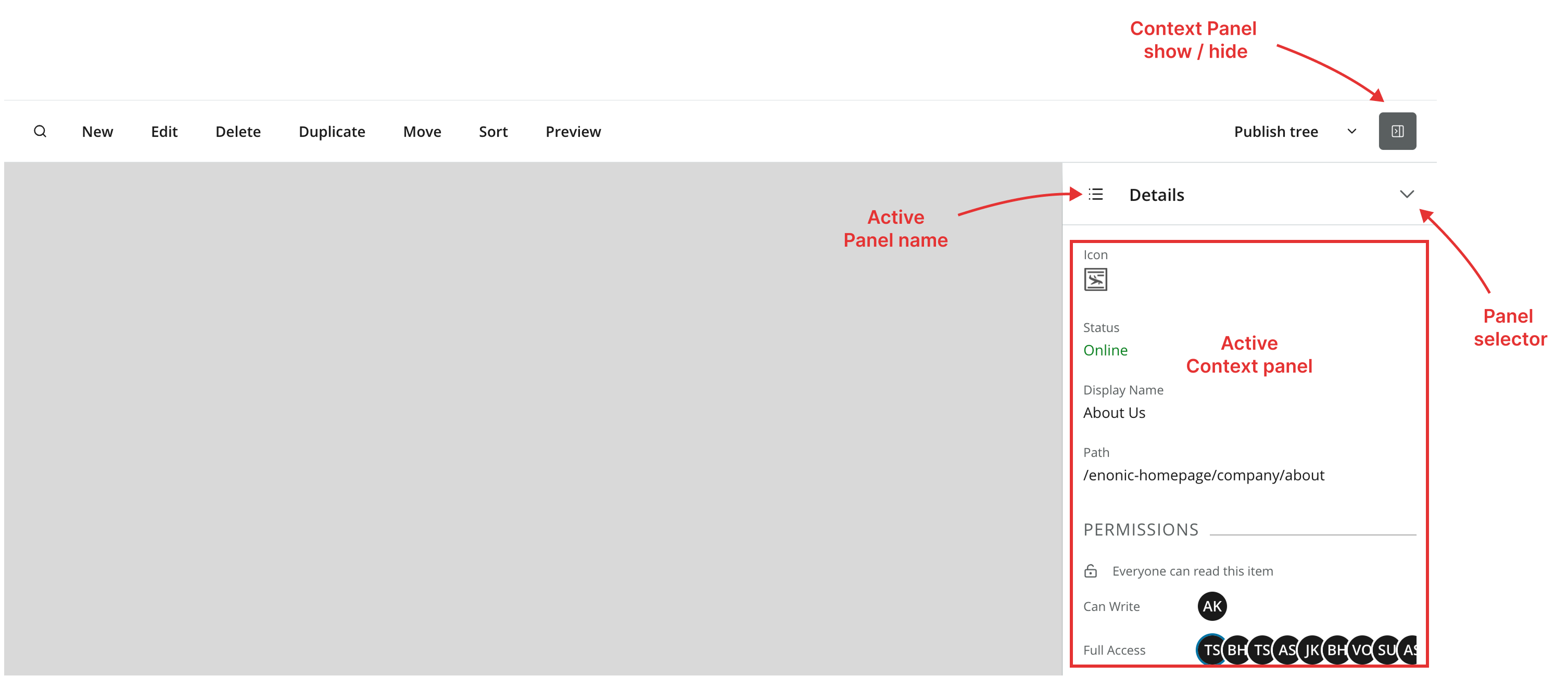
| Resize the Context panel by dragging its left edge. |
Panel selector
Use the dropdown at the top to switch between the available panels. Built-in panels appear first, followed by custom panels provided by installed applications. Use the filter to narrow the list by keyword.
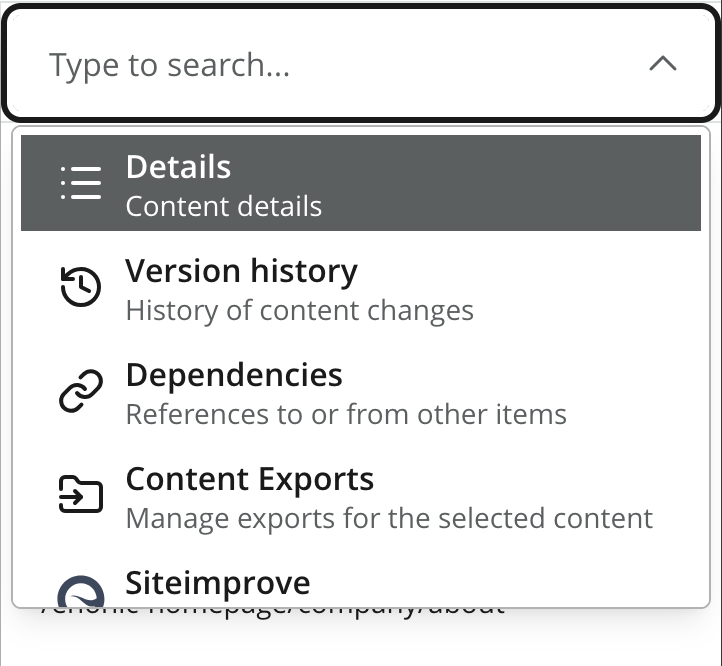
| The list of available panels depends on the user’s permissions and the current view. |
Built-in panels
-
Details panel — basic properties of the selected content item (display name, path, status, permissions, properties, schedule, attachments).
-
Version history panel — every version of the selected item, with actions to compare or revert versions.
-
Dependencies panel — inbound and outbound references between the item and other content.
-
Content Exports panel — export and import content items.
-
Components panel — the page-building tool that appears in the Editor for content with a page.
Content Studio+ panels
The following panels are contributed by Content Studio+:
-
Layers — shows the status of a content item across its project layer tree.
-
Variants — creates and manages A/B variants of the selected item.
-
Publishing report — generates a report that compares published versions of a content item.
Bring your own context panel
Enonic applications can contribute custom panels through the Context panel extension point.
See the Context panel extension reference for the descriptor format, lifecycle, and implementation details.
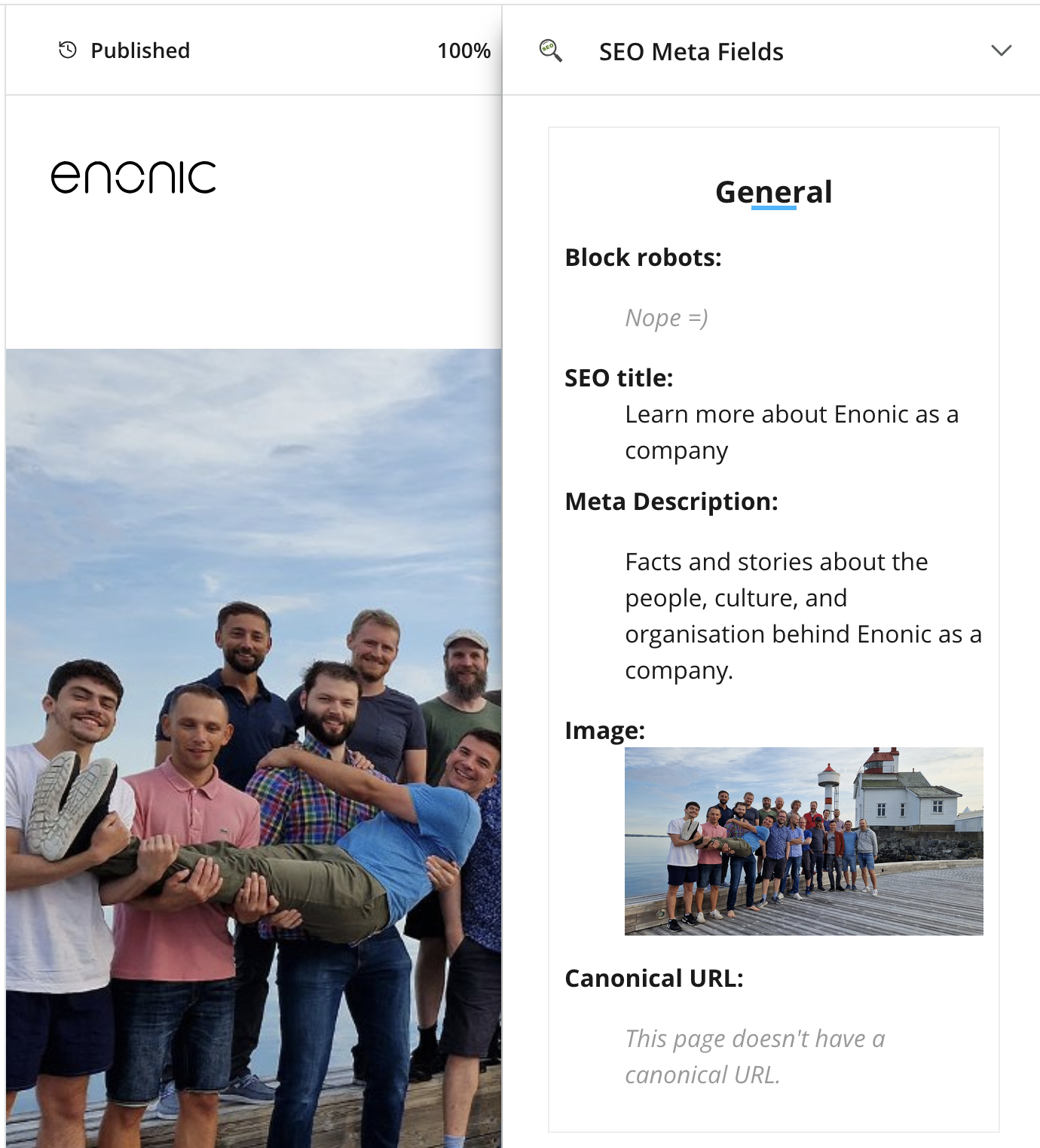
The SEO Metafields application is available for free on Enonic Market.